
TL;DR: Salesforce Sales Cloud dialer selection should start with the team workflow rather than a feature checklist because dialer can mean click-to-call, power dialing, parallel dialing, predictive dialing, call logging, voicemail drop, SMS, reporting, call recording, local presence, or full sales cadence execution. Small AE teams may only need click-to-call plus reliable activity logging, while high-volume SDR or BDR teams may need list-based power dialing, call outcomes, voicemail workflows, coaching, multichannel outreach, and dashboards for productivity and conversion. Salesforce-native calling and sales engagement may fit simpler requirements and lower vendor-management needs, but availability depends on org, edition, region, licensing, and configuration, so teams should verify with Salesforce documentation or their account team. Evaluation should test record matching across leads, contacts, accounts, opportunities, and tasks, whether calls create tasks, activities, events, or custom records, configurable field mapping and dispositions such as connected, left voicemail, no answer, bad number, not interested, meeting booked, and follow-up needed, sync timing, duplicate phone number handling, permissions, reporting, admin effort, mobile, Chrome, and daily rep experience. Pilot metrics should include calls per rep per day, connect rate, meetings booked, manual logging time, CRM activity completeness, and rep adoption, with rollout best practices including one sales motion first, standardized dispositions, cleaned phone data, ownership rules, early dashboards, and a documented rep workflow.
If your sales team lives in Salesforce Sales Cloud, the right dialer tool can make outbound calling faster, cleaner, and easier to measure. The challenge is that “dialer” can mean several different things: click-to-call, a power dialer, a parallel dialer, predictive dialing, call logging, voicemail drop, SMS, reporting, or a broader sales engagement workflow.
This guide is designed for Salesforce admins, RevOps leaders, SDR managers, and sales operations buyers comparing a dialer tool for Sales Cloud. Use it to clarify requirements, evaluate integration quality, and run a structured pilot before rolling a dialer out to the full team.
What is a Salesforce dialer tool
A dialer tool for Salesforce Sales Cloud helps sales reps place calls from their CRM workflow and capture call activity back in Salesforce. At a minimum, a dialer should reduce manual dialing and manual data entry. More advanced setups may support queue-based calling, call dispositions, notes, voicemail workflows, SMS, reporting, or sales cadence execution.

The best fit depends on your sales motion. A small account executive team may only need click-to-call and reliable activity logging. A high-volume SDR team may need list-based dialing, call outcomes, voicemail drop, coaching workflows, and reporting that helps managers understand productivity and conversion rates.
When to use Salesforce Sales Dialer
Salesforce offers its own sales calling and sales engagement capabilities, but availability, packaging, features, and setup requirements can vary by org, edition, region, and product configuration. Salesforce documentation and your Salesforce account team should be the source of truth for what is included in your instance.
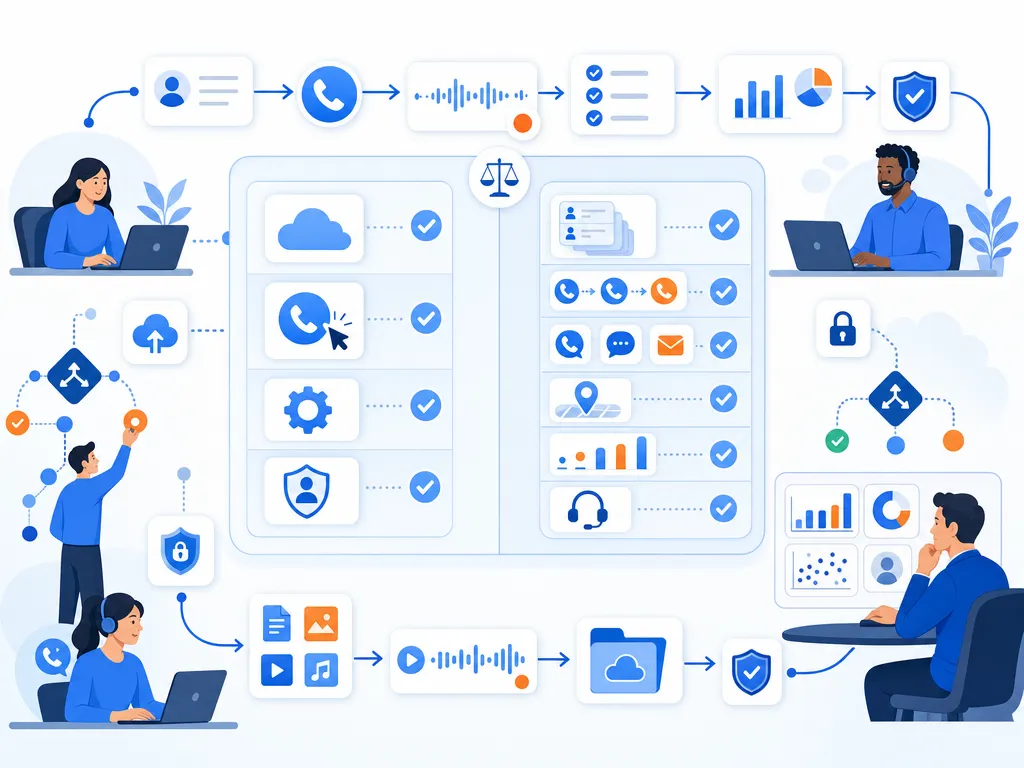
A Salesforce-native option may be enough if your team wants a simpler path, has standard calling requirements, and prefers to keep more of the workflow inside Salesforce-managed tools. It may also be attractive if your admin team wants to minimize third-party vendor management.
It is worth comparing third-party dialer tools if your team has more specific requirements, such as high-volume outbound calling, specialized power dialing workflows, advanced call disposition processes, multi-channel outreach, local presence controls, custom reporting needs, or a workflow that spans tools outside Salesforce.
Tip: Do not evaluate dialers only by feature lists. Evaluate how cleanly each tool supports your actual Salesforce workflow, how reps will use it daily, and how reliably activity data appears in the CRM.
Salesforce dialer features to look for
Click to call from Salesforce records
Click-to-call lets reps start a call directly from a Salesforce lead, contact, account, opportunity, or task view instead of manually entering phone numbers. This is often the simplest dialer workflow and can be a good fit for lower-volume calling or account-based sales teams.

Dialer activity and call logging
For RevOps, call logging is often the most important feature. A dialer should help capture completed calls, missed calls, call duration, timestamps, users, notes, and outcomes in a way that supports Salesforce reporting. Ask whether calls create tasks, activities, events, or custom objects, and confirm how those records relate to leads, contacts, accounts, and opportunities.
Call notes and outcomes in Salesforce
Consistent call outcomes make reporting more useful. Look for configurable dispositions such as connected, left voicemail, no answer, bad number, not interested, meeting booked, or follow-up needed. The exact values should match your sales process and reporting model.
Sales dialer cadence support
Some teams need a dialer that works within a broader outbound process, including call tasks, email touches, SMS steps, LinkedIn reminders, or follow-up schedules. If your team uses cadences or sequences, verify whether the dialer supports that workflow natively, through Salesforce, or through another sales engagement platform.
Dialer voicemail drop
Voicemail drop can help reps save time when leaving similar messages repeatedly. If this feature matters, ask how recordings are created, how reps choose messages, whether voicemail outcomes are logged, and whether your legal or compliance team has approved the workflow for your use case.
Salesforce SMS and multichannel outreach
Some sales teams want calling, texting, and email activity in one workflow. If SMS is part of your process, evaluate opt-in handling, activity logging, templates, ownership rules, and how replies are routed. Legal review is important for any SMS program.
Dialer call recording and reporting
Call recording can support coaching, QA, and deal review, but it also introduces legal and policy considerations. If recording is required, confirm where recordings are stored, how access is controlled, how long recordings are retained, and what appears in Salesforce.
Dialer caller ID and local presence
Some dialers offer caller ID or local presence features. If this is important to your team, ask how numbers are provisioned, how caller ID is selected, how numbers are maintained, and how the vendor helps you manage reputation and responsible calling practices.
Salesforce mobile and Chrome workflows
Reps often work across Salesforce desktop, browser extensions, mobile devices, and other sales tools. During evaluation, test the dialer in the exact setup your reps use every day. A feature that looks good in a demo may not drive adoption if it adds extra clicks or requires context switching.
Types of Salesforce dialer tools
Salesforce click to dial
Click-to-dial, or click-to-call, lets a rep click a phone number to place a call. It is simple, easy to understand, and useful for teams that prioritize control over speed.
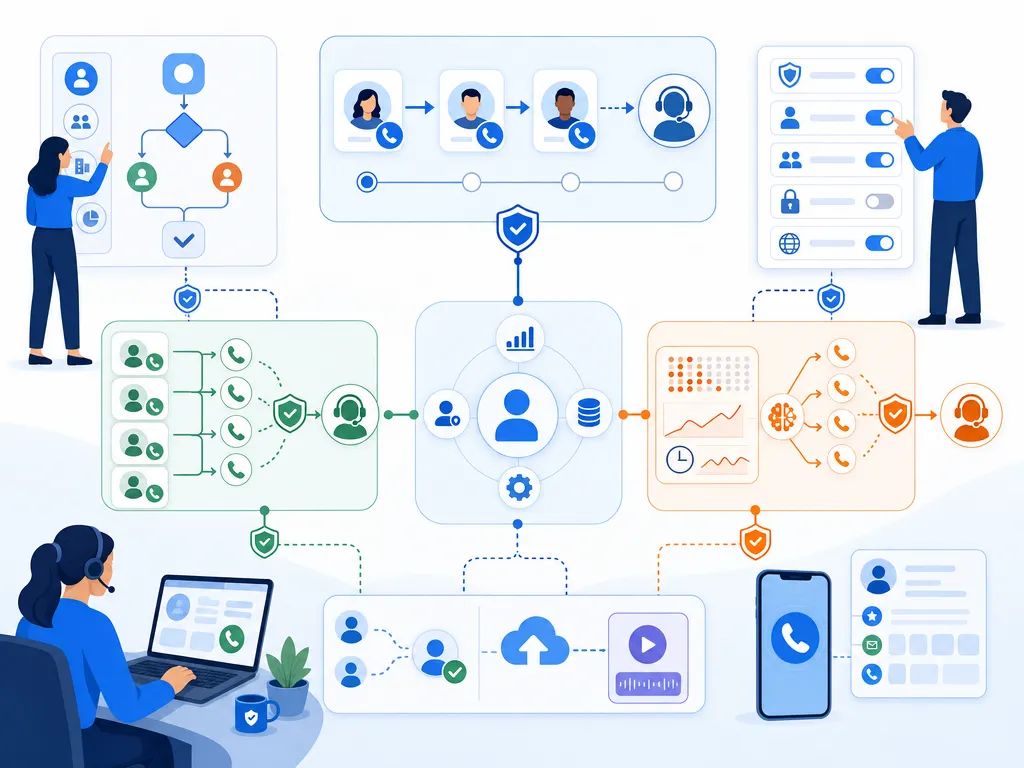
Power dialer for sales teams
A power dialer helps reps work through a list of records one after another. It is commonly used by SDR, BDR, and outbound sales teams that need to call a defined list while keeping notes and dispositions organized.
Parallel dialer for high volume calls
A parallel dialer may dial multiple numbers at the same time and connect the rep when someone answers. This can increase dialing volume, but it requires careful evaluation of user experience, prospect experience, compliance requirements, and data quality.
Predictive dialer for sales teams
Predictive dialing uses algorithms to estimate when reps will be available and when prospects may answer. This type of dialer is more common in high-volume calling environments and should be reviewed carefully for fit, compliance, and customer experience.
How to evaluate Salesforce dialer integration
A dialer can claim to work with Salesforce, but the quality of the integration is what determines whether reps adopt it and whether managers trust the data.
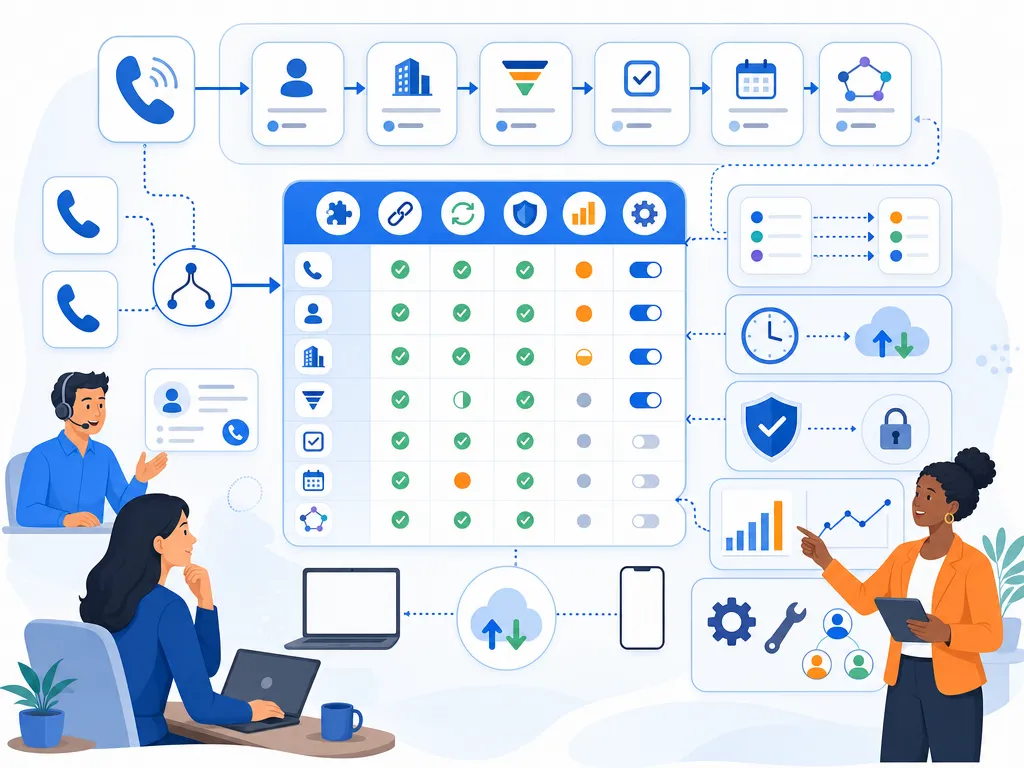
- Record matching: Confirm how the dialer matches phone numbers to leads, contacts, accounts, and opportunities.
- Activity creation: Ask whether calls create Salesforce tasks, activities, events, or custom records.
- Field mapping: Review which fields sync, whether mappings are configurable, and how call outcomes are represented.
- Sync timing: Test whether call data appears immediately, after a delay, or only after a manual action.
- Duplicate handling: Understand what happens when the same phone number exists on multiple records.
- Permissions: Verify what Salesforce permissions the integration requires and whether that aligns with your security model.
- Reporting: Make sure the resulting Salesforce data supports dashboards for rep activity, connect rates, meetings booked, pipeline influence, and follow-up completion.
- Admin effort: Estimate the time required for setup, field mapping, user provisioning, testing, and ongoing maintenance.
Questions before choosing a Sales Cloud dialer
Use these questions in demos and vendor evaluations:

- Which Salesforce objects does the dialer support?
- Can reps call from lead, contact, account, opportunity, and task views?
- What call data is written back to Salesforce?
- Can call outcomes and dispositions be customized?
- How are call notes handled?
- Can managers report on calls, connects, conversations, and meetings booked?
- How does the tool handle duplicate phone numbers?
- What happens if Salesforce is unavailable or the sync fails?
- What training is required for reps and admins?
- What compliance, consent, recording, and SMS questions should our legal team review?
- How will the vendor support implementation and troubleshooting?
Sales dialer pilot metrics to track
Before buying or expanding a dialer tool, run a pilot with a small group of reps and a clear success scorecard. Good pilot metrics include:

- Calls per rep per day: Did the dialer increase productive outbound activity without reducing quality?
- Connect rate: Are reps reaching more prospects or the right prospects more consistently?
- Meetings booked: Did higher activity translate into pipeline-generating outcomes?
- Manual logging time: Did reps spend less time entering call notes and outcomes?
- CRM activity completeness: Are Salesforce records more complete and easier to report on?
- Rep adoption: Are reps using the dialer willingly after the initial training period?
Pair quantitative metrics with rep feedback. Ask what slowed them down, what felt easier, what data was missing, and which parts of the workflow they avoided.
Salesforce dialer rollout tips for admins

- Start with one sales motion: Pilot with a specific team, list type, or use case before rolling out broadly.
- Standardize dispositions: Too many outcome values can make reporting messy. Too few can hide useful insights.
- Clean phone data first: Bad phone numbers, inconsistent formats, and duplicate records reduce dialer value.
- Define ownership rules: Clarify who can call which records and how activity should be attributed.
- Build dashboards early: If managers cannot see impact, adoption and renewal decisions become harder.
- Document the workflow: Create a simple rep guide that explains when to call, how to disposition, and what to do after each outcome.
Salesforce dialer FAQs
Does Salesforce Sales Cloud include a dialer
Salesforce offers calling and sales engagement capabilities, but availability depends on your Salesforce products, edition, configuration, region, and licensing. Check current Salesforce documentation or your Salesforce representative before assuming a dialer is included in your org.

What is the best dialer for Salesforce Sales Cloud
The best dialer is the one that fits your calling volume, Salesforce workflow, reporting needs, admin resources, and compliance requirements. A high-volume SDR team may need a different tool than an enterprise account management team that only needs click-to-call and reliable logging.
What is the difference between a power dialer and click to call
Click-to-call lets reps place one call by clicking a phone number. A power dialer helps reps work through a prepared list of records more efficiently, usually with structured notes and call outcomes after each call.
Can a dialer automatically log calls in Salesforce
Many Salesforce-compatible dialers support some form of automatic call logging, but the details vary. Ask exactly what data is logged, where it appears in Salesforce, how quickly it syncs, and whether the fields match your reporting needs.
What should RevOps check before rolling out a Sales Cloud dialer
RevOps should review field mapping, permissions, activity records, duplicate handling, reporting, user training, support processes, compliance considerations, and adoption metrics. The goal is not just faster dialing; it is cleaner execution and more trustworthy CRM data.
Final takeaways for choosing a Salesforce dialer
Choosing a dialer tool for Sales Cloud is not just a telephony decision. It is a CRM workflow, data quality, sales productivity, and adoption decision. Start with your sales motion, define the Salesforce data you need, test the rep experience, and run a measurable pilot before committing to a full rollout.

About this guide
This guide was written and published by Kixie, which sells the Kixie PowerDialer, so Kixie has a commercial interest in the dialer category this guide covers. That is why the guide recommends requirements-driven evaluation and structured pilots instead of naming a single best vendor. Salesforce packaging, editions, and feature availability change; confirm current details in Salesforce documentation or with your Salesforce account team, and confirm any vendor’s current integration behavior in a hands-on pilot before rolling it out. Questions about calling, recording, consent, or SMS compliance should be reviewed with qualified counsel; this guide is not legal advice.
Ready to close more deals with Kixie?
See how Kixie's AI-powered tools can transform your sales and support operations.
Start Free Trial