Caller ID Reputation Tips to Avoid Spam Labels

TL;DR: Caller ID reputation determines whether outbound business numbers display normally or as Spam Likely, Scam Risk, Potential Spam, Telemarketer, or blocked, and is shaped by call volume, answer rates, user complaints, call patterns, number age, registration status, carrier analytics, device settings, call-blocking apps, and user feedback. To reduce avoidable labels, audit every outbound number across carriers, iPhone, Android, landlines, and call-screening apps, document caller ID name, team or campaign use, labels, recent volume, answer rate, voicemail rate, and complaints, then register numbers through applicable CNAM updates, business identity registration, Free Caller Registry, STIR/SHAKEN authentication, or provider-led remediation. Use each number for one consistent purpose such as sales, support, billing, recruiting, healthcare, financial services, appointments, surveys, or reminders, ramp new or quiet numbers gradually, avoid sudden campaign spikes, improve lead data by removing duplicates, stale numbers, wrong-party contacts, reassigned numbers, opt-outs, suppression lists, and do-not-call risks, and protect reputation with reasonable local calling times, clear introductions, no silent or abandoned calls, fast opt-out handling, limited repeat attempts, accurate voicemails, and consent/source documentation. Monitor answer rate, connection rate, voicemail rate, blocked or failed calls, complaint and opt-out trends, carrier-specific labels, and changes after registration or remediation, since label removal is not guaranteed and varies by carrier, analytics provider, app, device, user settings, and ongoing call behavior.

If your outbound calls are showing up as “Spam Likely,” “Scam Risk,” or simply failing to ring through, caller ID reputation may be part of the problem. For sales, support, billing, recruiting, healthcare, financial services, and appointment-based teams, a damaged phone number reputation can reduce trust before a prospect or customer even answers.

The good news: caller ID reputation is not random. Carriers, analytics providers, device settings, call-blocking apps, and user feedback all contribute to how your calls are labeled. While no business can guarantee that every label will be removed, you can take practical steps to improve phone number reputation, reduce avoidable flags, and make your outbound calling program more trustworthy.

Important: This guide shares general operational best practices, not legal advice. Calling rules vary by jurisdiction, industry, call type, and consent status. Review your calling program with qualified legal or compliance counsel.

What is caller ID reputation

Caller ID reputation is the trust profile associated with the phone numbers your business uses to place outbound calls. A strong reputation means your calls are more likely to display normally, with accurate business identity where supported. A weak reputation can lead to labels such as “Spam Likely,” “Scam Risk,” “Potential Spam,” “Telemarketer,” or blocked calls.

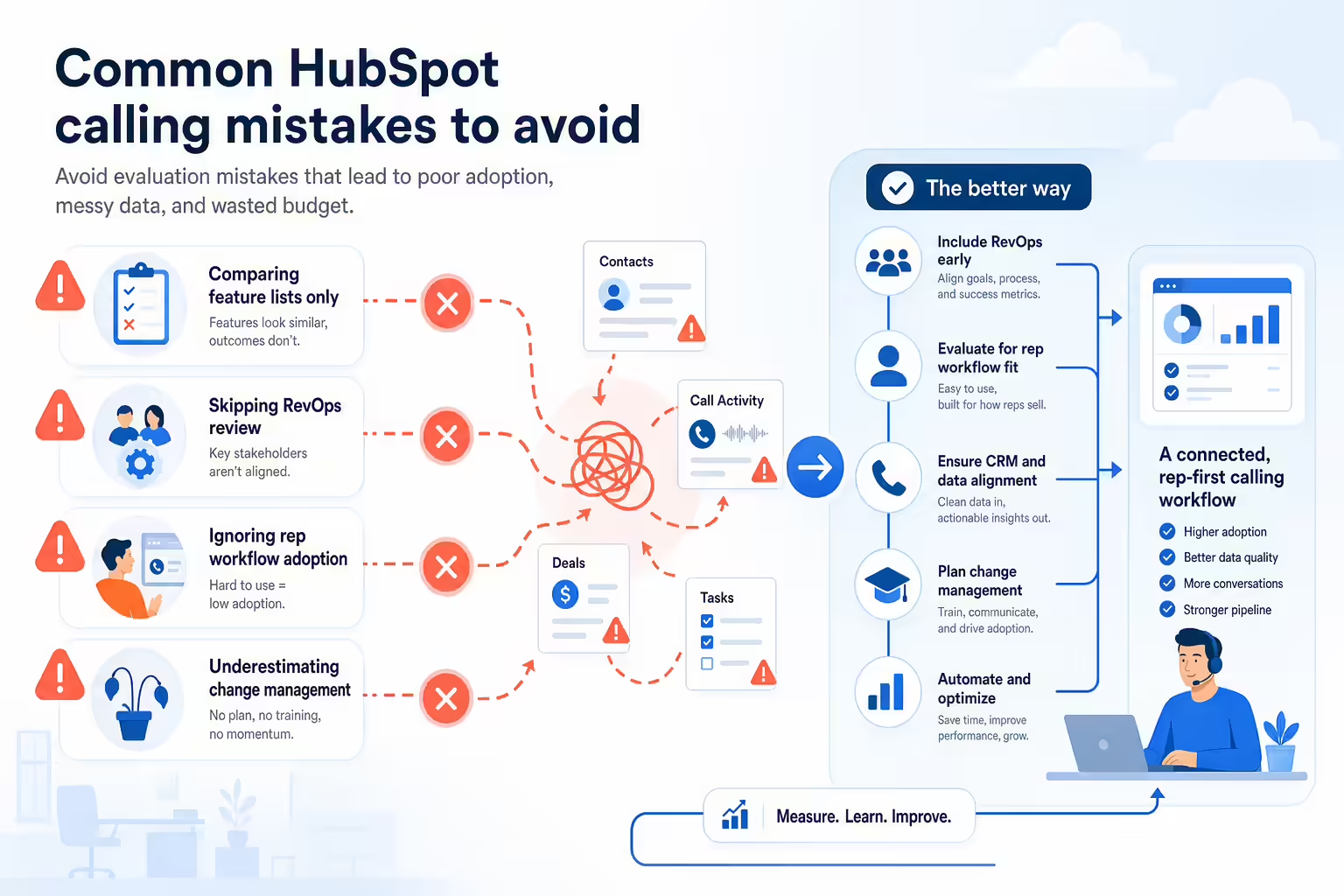
What is caller ID reputation show sales communication software in use by a revenue team illustration

Caller ID reputation is influenced by several signals, including call volume, answer rates, user complaints, call patterns, number age, number registration status, and whether the number is associated with unwanted or suspicious activity.

It is also not always consistent. The same number may appear normally on one carrier, show a warning label on another, and be treated differently by a third-party call-blocking app. That is why improving caller ID reputation usually requires both better calling practices and ongoing monitoring.

Why your number gets spam labels

Legitimate businesses can be mislabeled, but spam labels often appear when call analytics systems detect patterns that resemble unwanted calling. Common causes include:

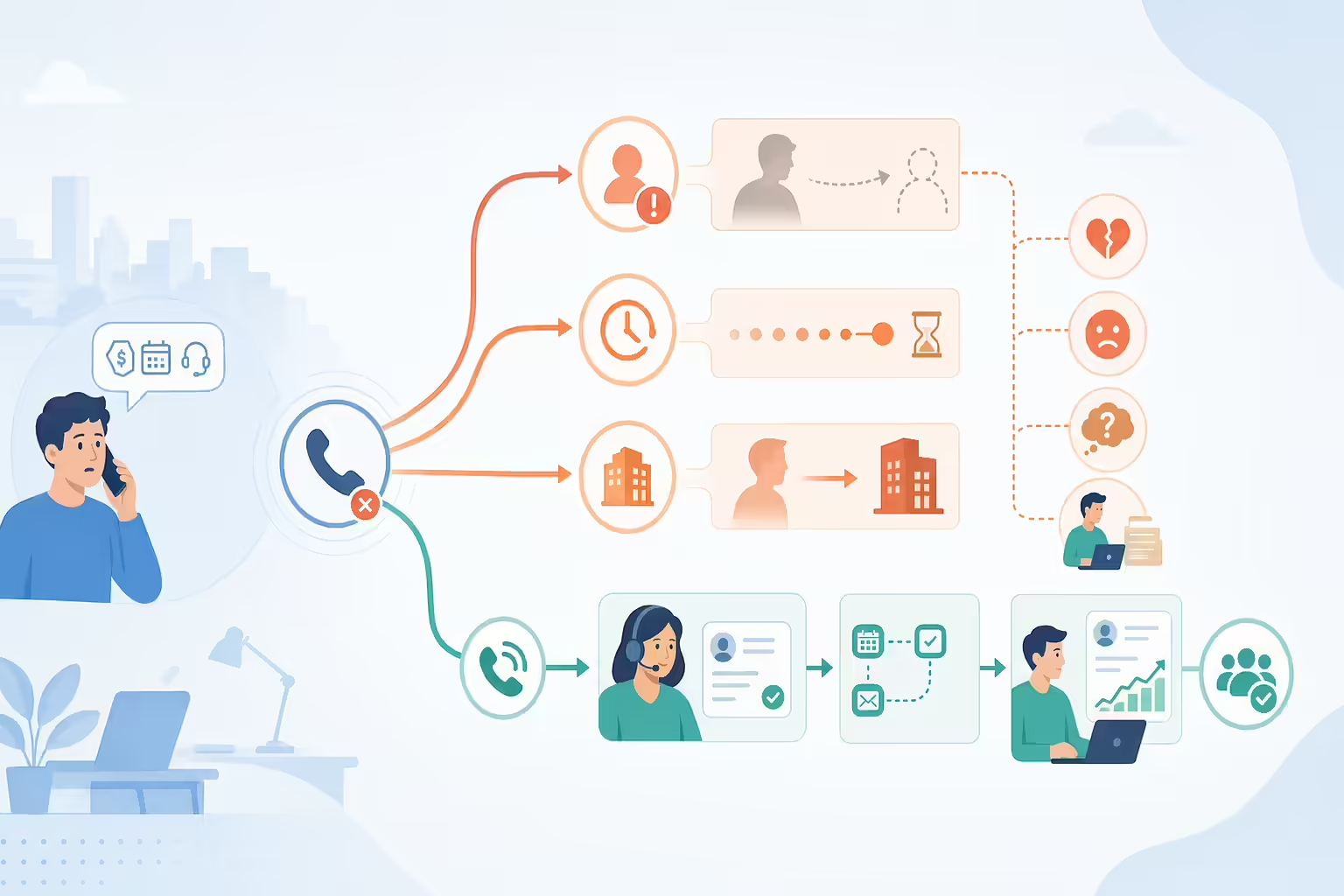
Why your number gets spam labels answer common buyer questions with a concise visual summary illustration
  • High complaint or block rates: If recipients frequently report, block, or ignore a number, reputation can decline.
  • Sudden call-volume spikes: A new or previously quiet number that rapidly begins placing many calls can look suspicious.
  • Poor lead or contact data: Stale, inaccurate, purchased, or recycled lists can create wrong-party calls and complaints.
  • Repeated unanswered calls: High-frequency attempts to the same people can trigger negative signals.
  • Inconsistent number usage: Using the same number for unrelated campaigns, departments, or call purposes can confuse recipients and analytics systems.
  • Misleading caller identity: Unrecognizable names, mismatched branding, or generic caller ID can reduce trust.
  • Questionable local presence patterns: Using numbers that appear local without a clear relationship to the caller or recipient can be interpreted negatively if it resembles spoofing behavior.

Caller ID reputation checklist

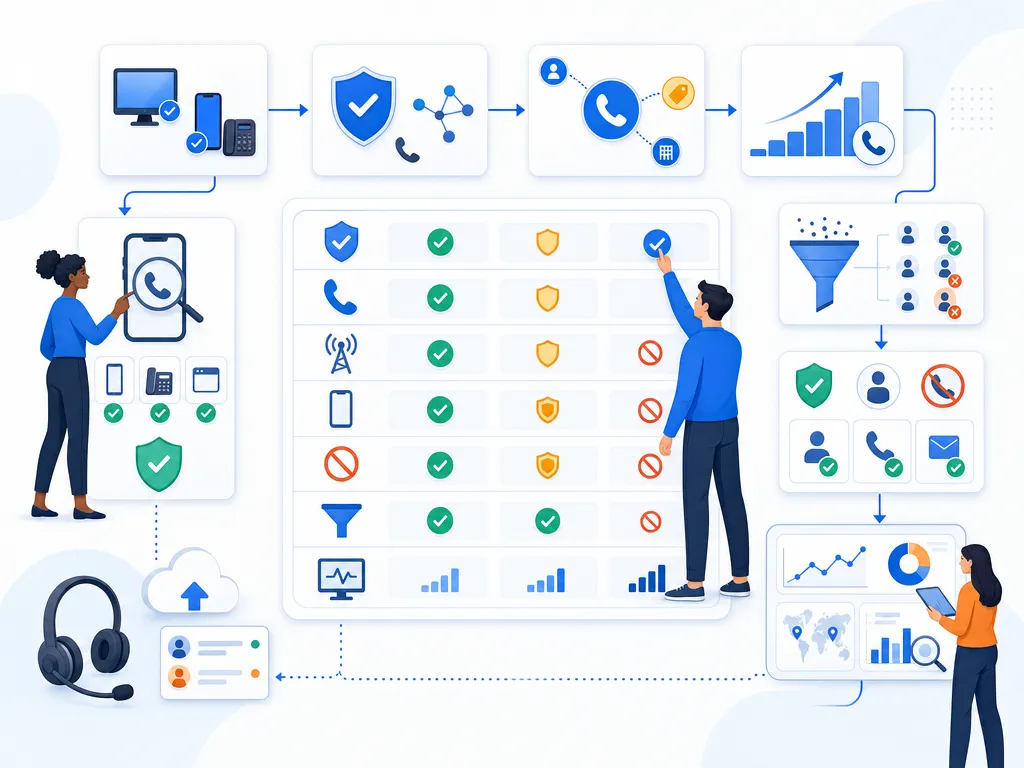
Use this checklist to build a healthier outbound calling program and reduce the risk of preventable spam labels.
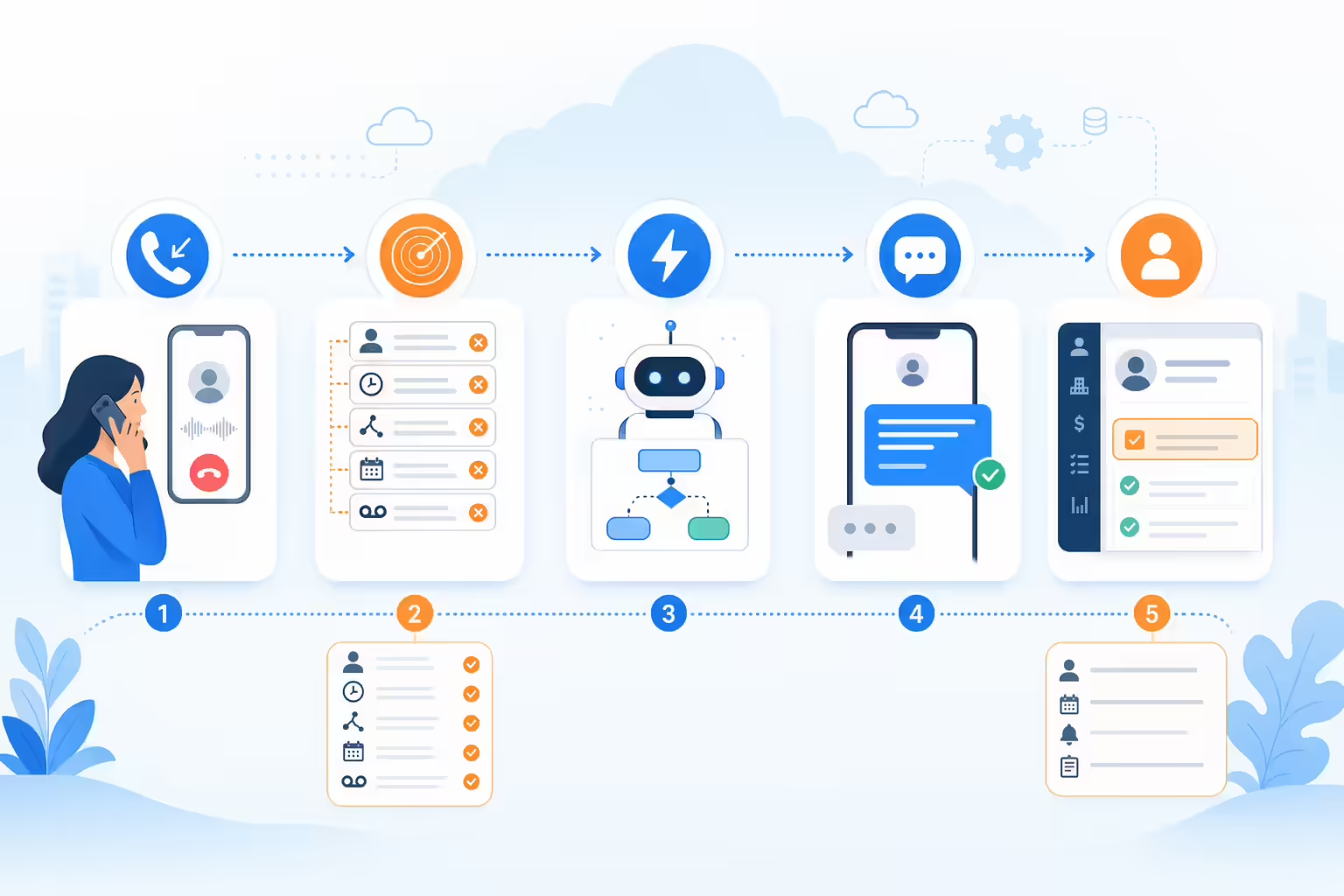
Caller ID reputation checklist show an unlabeled evaluation checklist or decision matrix using icons and simple shapes only illustration
  1. Audit how your numbers display across carriers, devices, and call-blocking apps.
  2. Register your business numbers where applicable, including caller name and business identity information.
  3. Use each number for a consistent purpose so call behavior is easier to understand.
  4. Ramp volume gradually instead of suddenly placing large campaigns from new or inactive numbers.
  5. Improve lead list quality before dialing to reduce wrong-party calls and complaints.
  6. Follow responsible calling practices around frequency, timing, introductions, opt-outs, and documentation.
  7. Monitor number-level performance and remediate incorrect labels as soon as they appear.

Check your caller ID across carriers and devices

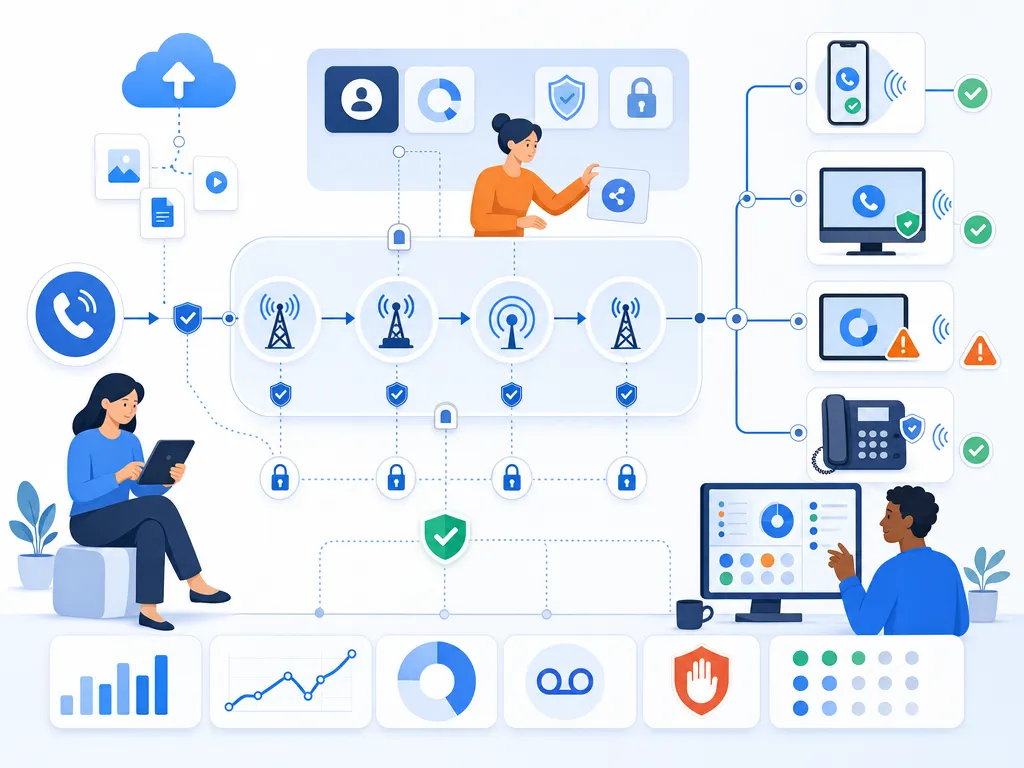
The first step is to understand what recipients actually see. A number may look fine on one mobile network and display a warning on another. It may also behave differently on iPhone, Android, landlines, and devices with third-party call-screening apps installed.
Check your caller ID across carriers and devices show compliant workflow guardrails without legal-document imagery illustration

At minimum, document the following for each outbound number:

  • The phone number and the team, campaign, or department using it
  • The caller ID name or business identity that appears, if any
  • Whether the number shows labels such as “Spam Likely” or “Scam Risk”
  • Whether the label appears only on certain carriers or devices
  • Recent call volume, answer rate, voicemail rate, and complaint patterns

This creates a baseline so you can tell whether registration, list hygiene, and calling practice changes are helping over time.

Register your caller ID numbers

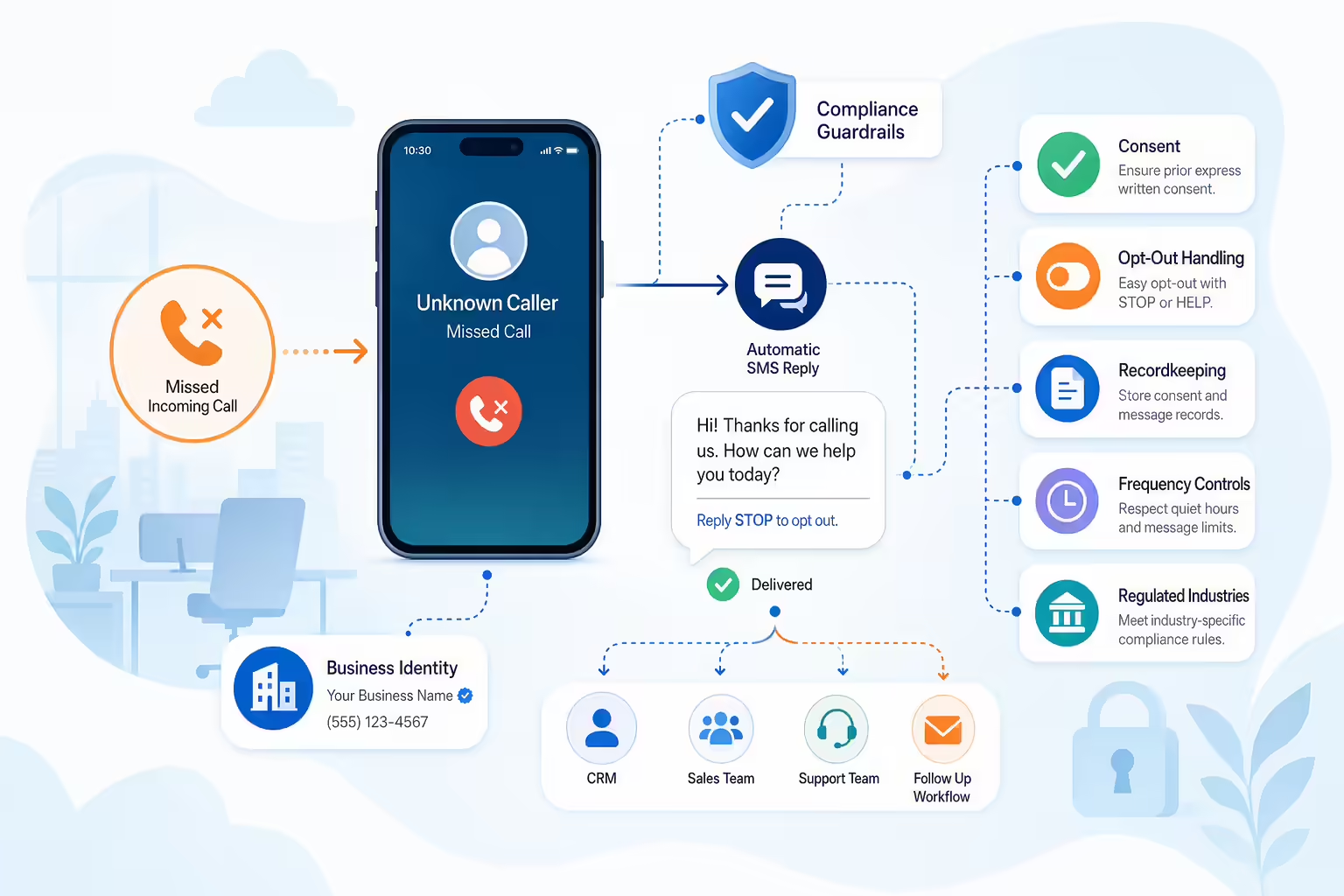
Number registration helps carriers and call analytics providers understand who is using a phone number and why. It does not guarantee that a spam label will be removed, but it is an important trust-building step.

Register your caller ID numbers show an abstract icon-only automation flow with arrows, gears, shields, cloud/upload symbols, and people; no

Depending on your provider and calling setup, registration may include:

  • CNAM updates: CNAM is the caller name information that may display with a number on supported networks and devices.
  • Business identity registration: Some platforms and providers allow businesses to submit number ownership, brand, and call-use details.
  • Free Caller Registry: Free Caller Registry is a registration option used by some call analytics providers to help identify legitimate business calling use cases.
  • STIR/SHAKEN authentication: STIR/SHAKEN is a caller authentication framework used in the voice ecosystem to help verify that a caller is authorized to use a number.
  • Provider-led remediation: Some telecom or calling providers may offer workflows for reporting incorrect labels. Availability and outcomes vary.

Registration should be accurate and consistent. Use the same business name, website, contact information, and call purpose wherever possible. If your business has multiple brands or departments, avoid mixing identities in ways that could confuse recipients.

Use each caller ID number for one purpose

Caller ID reputation can suffer when one number is used for too many unrelated activities. For example, a number used for sales outreach, support callbacks, billing reminders, event confirmations, and survey requests may generate mixed recipient behavior.

Use each caller ID number for one purpose show compliant workflow guardrails without legal-document imagery illustration

When possible, assign numbers by purpose, team, or call type. This makes it easier to track reputation and diagnose issues. If one campaign creates complaints, you can identify the problem without putting every outbound call stream at risk.

Consistent number usage also helps recipients recognize why you are calling. A support callback from a known support number is more trustworthy than a call from an unfamiliar number that is also used for unrelated promotions.

Protect reputation with steady call volume

Sudden, high-volume dialing from a new or quiet number can look suspicious. If you are launching a new campaign, opening a new territory, or adding numbers to your outbound program, ramp call volume gradually and monitor performance closely.

Protect reputation with steady call volume show sales communication software in use by a revenue team illustration

Healthy volume management includes:

  • Avoiding large spikes from brand-new numbers
  • Watching answer rate and voicemail rate by number
  • Reducing call frequency if complaints or blocks rise
  • Pausing numbers that begin showing negative labels until you investigate
  • Keeping outreach patterns aligned with the stated purpose of the number

If a number is already flagged, simply replacing it with a fresh number is not a long-term fix. The same calling patterns can cause the new number to be flagged as well.

Protect reputation with better lead quality

Lead quality is one of the most important factors in caller ID reputation. Even well-intentioned calls can generate complaints when they reach the wrong person, an outdated contact, a reassigned number, or someone who never expected to hear from your business.

Protect reputation with better lead quality show sales communication software in use by a revenue team illustration

Before launching outbound campaigns, review your contact data for:

  • Duplicate records
  • Stale or unverified phone numbers
  • Wrong-party contacts
  • Reassigned numbers, where screening is available
  • Suppression lists and opt-out requests
  • Do-not-call requirements that may apply to your business
  • Whether the call purpose matches the recipient’s relationship with your company

Better data produces more relevant conversations, fewer complaints, and stronger long-term number health.

Use calling practices that protect reputation

Caller ID reputation is not only about registration and technical configuration. It is also shaped by how recipients experience your calls.

Use calling practices that protect reputation show compliant workflow guardrails without legal-document imagery illustration

Responsible calling practices include:

  • Call at reasonable local times: Respect time zones and any calling-hour rules that apply to your outreach.
  • Introduce yourself clearly: State your name, company, and reason for calling early in the conversation.
  • Avoid silent or abandoned calls: If someone answers, they should hear a real person or appropriate message promptly.
  • Honor opt-outs quickly: Make it easy for recipients to stop future calls and ensure suppression is applied across relevant systems.
  • Limit repeat attempts: Excessive retries to the same person can create complaints and blocks.
  • Use voicemail carefully: Leave concise, accurate messages that identify your business and provide a clear callback path.
  • Document consent and source: Maintain records that explain why a person is being contacted, especially for regulated calling programs.

These practices help reduce negative feedback signals and build trust with the people you call.

Monitor number reputation and fix wrong labels

Caller ID reputation should be monitored continuously, not only after contact rates drop. Track performance at the number level so you can spot early warning signs before a label affects an entire campaign.

Monitor number reputation and fix wrong labels show abstract operating metrics using simple geometric charts and icons only; no dashboard UI

Useful metrics include:

  • Answer rate by number
  • Connection rate by campaign
  • Voicemail rate
  • Blocked, failed, or rejected calls
  • Complaint, opt-out, or do-not-call request trends
  • Carrier-specific or device-specific label reports where available
  • Performance changes after registration or remediation requests

If a number is mislabeled, collect evidence before submitting a remediation request. Include the number, business name, call purpose, screenshots or reports showing the label, and any registration details you have available. Remediation can take time, and results may vary by carrier, analytics provider, call-blocking app, and the underlying call behavior associated with the number.

Caller ID reputation on iPhone and Android

Caller ID reputation can look different depending on the recipient’s device and settings.

Caller ID reputation on iPhone and Android show abstract operating metrics using simple geometric charts and icons only; no dashboard UI, la

How caller ID works on iPhone

iPhone users may have settings enabled that silence unknown callers or route unfamiliar numbers away from the normal ringing experience. If the recipient has not interacted with your number before, your call may be easier to miss even if it is not formally labeled as spam.

To improve the customer experience on iPhone, use recognizable numbers, consistent caller identity, and clear follow-up channels. If your outreach is expected, consider confirming the callback number through prior communication such as email, SMS, calendar invites, or customer portals where appropriate and permitted.

How caller ID works on Android

Android devices may display labels informed by carrier data, Google caller ID features, user reports, and call-screening tools. Some Android users also rely heavily on spam filtering and call screening before deciding whether to answer.

For Android recipients, recognizable identity and clean calling behavior matter. Accurate caller name information, consistent number usage, and lower complaint rates can all support a more trustworthy calling experience, although display behavior still varies by device, carrier, and user settings.

Does local presence help caller ID reputation

Using a local number can make calls feel more familiar, but local presence is not a substitute for good reputation management. If local numbers are used aggressively, inconsistently, or in a way that recipients perceive as misleading, they can still receive negative labels.

Does local presence help caller ID reputation show sales communication software in use by a revenue team illustration

If your team uses local numbers, make sure the number strategy supports a legitimate business reason, aligns with recipient expectations, and follows the same registration, monitoring, and responsible-calling practices as any other outbound number.

Caller ID reputation FAQ

Can I remove spam labels

You may be able to request review or remediation for an incorrect label through your provider, carrier-related channels, call analytics providers, or registration portals. However, removal is not guaranteed, and the number’s future reputation depends on ongoing call behavior.
Caller ID reputation FAQ answer common buyer questions with a concise visual summary illustration

How long does it take to fix caller ID

Timing varies. Some updates may appear relatively quickly, while others can take longer depending on the carrier, analytics provider, call-blocking app, registration process, and whether the underlying calling patterns have improved.

Why do spam labels vary by carrier

Carriers and analytics providers may use different data sources, algorithms, user reports, and thresholds. That is why the same number can display normally for one recipient and show a spam warning for another.

Will registration prevent spam labels

Registration can help establish legitimate business identity, but it does not guarantee that a number will avoid labels. Call patterns, complaint rates, answer rates, list quality, and recipient behavior still matter.

Should I stop using a flagged caller ID number

Pause and investigate before making a decision. Review the label, call volume, list source, complaint trends, and use case. In some cases, remediation and behavior changes may help. In others, retiring or repurposing a number may be appropriate after review.

How do I prevent caller ID reputation problems

Use accurate caller identity, register numbers where applicable, keep number usage consistent, maintain clean contact data, respect opt-outs, avoid excessive call attempts, ramp volume gradually, and monitor number health over time.

Key caller ID reputation takeaway

Improving caller ID reputation is an ongoing process. The strongest programs combine accurate business identity, clean contact data, responsible outreach practices, steady call volume, and active monitoring. While no process can guarantee that every call will avoid filtering, these steps reduce avoidable reputation risks and help recipients feel more confident answering your calls.


Key caller ID reputation takeaway illustrate the section concept for a B2B sales operations reader illustration

Call Quality Assurance Scorecard Template and Scoring Guide

TL;DR: Call quality assurance scorecard template is a structured call review form for managers, QA reviewers, and team leads that turns subjective feedback into observable behaviors, points or pass fail ratings, and coaching across greeting, communication, discovery, policy adherence, resolution, closing, and documentation. Core scoring options are pass fail for compliance and required steps, 1 to 5 rating scales for soft skills, weighted scoring using weighted score equals category score percentage x category weight, and hybrid scoring where critical misses can trigger automatic review. The general template weights Opening 10%, Verification or process steps 10%, Discovery or issue identification 20%, Communication 15%, Empathy and rapport 10%, Knowledge and accuracy 15%, Resolution or next step 15%, and Documentation 5%, plus coaching notes with one strength, one improvement area, and one action before the next review. The sales template weights Opening 10%, Qualification and discovery 25%, Value presentation 20%, Objection handling 15%, Closing and next steps 20%, and Documentation 10%, and evaluates controllable behaviors rather than conversion alone. The support template weights Opening and verification 15%, Issue diagnosis 20%, Empathy and communication 20%, Accuracy and process knowledge 20%, Resolution or escalation 15%, and Documentation and follow-up 10%. A worked weighted example scores Opening 90% x 10% for 9 points, Discovery 80% x 25% for 20, Value presentation 70% x 20% for 14, Objection handling 75% x 20% for 15, Closing 100% x 15% for 15, Documentation 90% x 10% for 9, totaling 82/100. Rollout guidance is to set a clear QA goal, pick high impact criteria, keep the first version simple, define automatic failure rules clearly, calibrate reviewers, and capture external blockers like pricing, product limits, staffing, or system issues in notes instead of unfairly penalizing agents.

A call quality assurance scorecard gives managers, QA reviewers, and team leads a consistent way to evaluate calls. Instead of relying on subjective impressions like “good call” or “needs work,” a scorecard breaks the conversation into observable behaviors, assigns points or pass/fail ratings, and turns the review into coaching.

This guide explains what to include in a call quality assurance scorecard, how to score calls fairly, and how to use QA results to improve sales and customer service conversations. You will also find copy-ready scorecard structures for sales calls and support calls.

What is a call quality assurance scorecard?

A call quality assurance scorecard is a structured evaluation form used to assess how well an agent, rep, or advisor handled a phone conversation. It typically includes categories such as greeting, communication, discovery, policy adherence, resolution, closing, and documentation.

What is a call quality assurance scorecard? show an unlabeled evaluation checklist or decision matrix using icons and simple shapes only ill

The goal is not just to grade calls. A useful call QA scorecard helps teams identify what happened on the call, what should happen differently next time, and what coaching or process changes are needed.

For example, a sales manager might use a scorecard to evaluate whether a rep confirmed the prospect’s needs, explained relevant value, handled objections, and set a clear next step. A support manager might use a scorecard to evaluate empathy, issue diagnosis, resolution accuracy, and follow-up expectations.

Why call QA scorecards matter

Without a shared scoring framework, call reviews can become inconsistent. One reviewer may focus on tone, another may focus on script adherence, and another may focus only on the outcome. That makes feedback feel subjective and hard to act on.

Why call QA scorecards matter show an unlabeled evaluation checklist or decision matrix using icons and simple shapes only illustration

A well-designed call center QA scorecard helps teams:

  • Evaluate calls consistently: Reviewers use the same criteria for every call.
  • Coach specific behaviors: Managers can point to observable moments instead of giving vague feedback.
  • Improve customer and prospect conversations: Teams can identify patterns that affect the caller experience.
  • Support process adherence: Scorecards can include required steps, disclosures, verification, or documentation items.
  • Reduce evaluator bias: Clear definitions and calibration sessions make scoring more consistent.
  • Track improvement over time: Scores can show whether coaching is changing behavior.

Scorecards are most effective when they focus on behaviors the agent can control. If a call went poorly because of pricing, product limitations, staffing, or system issues, that context should be captured in notes rather than unfairly counted against the agent.

Call QA scorecard vs agent performance scorecard

A call QA scorecard and an agent performance scorecard are related, but they are not the same thing.

Call QA scorecard vs agent performance scorecard answer common buyer questions with a concise visual summary illustration

A call QA scorecard evaluates the quality of a specific conversation. It answers questions like: Did the rep open the call professionally? Did they ask useful questions? Did they communicate clearly? Did they follow the required process?

An agent performance scorecard usually tracks broader performance metrics across a period of time. These may include call volume, conversion rate, meetings booked, average handle time, customer satisfaction, first contact resolution, or revenue influenced.

Both views can be useful. QA scores explain how calls are being handled. Performance metrics show what outcomes are happening. When used together, they can help managers understand whether coaching should focus on activity, process, conversation quality, or external blockers.

What to include in a call scorecard

The right criteria depend on your team’s call type, industry, and workflow. However, most effective scorecards include a mix of conversation skills, process requirements, and outcome-oriented behaviors.

What to include in a call scorecard answer common buyer questions with a concise visual summary illustration

Call opening

The opening sets the tone for the conversation. Score whether the agent greeted the caller or prospect professionally, introduced themselves when appropriate, confirmed the purpose of the call, and created a smooth transition into the conversation.

  • Used an appropriate greeting
  • Introduced self and company when relevant
  • Confirmed the caller’s or prospect’s name when needed
  • Set a clear agenda or reason for the call

Call verification steps

Some teams need agents to confirm identity, account details, consent, or required internal steps. These items are often best scored as pass/fail because missing them can be more serious than a minor soft-skill issue.

  • Completed required verification steps
  • Followed required call handling process
  • Captured required information accurately
  • Used approved language where required

Call discovery and issue details

For sales calls, this category evaluates whether the rep uncovered the prospect’s needs, pain points, buying context, timeline, and decision process. For support calls, it evaluates whether the agent diagnosed the issue before offering a solution.

  • Asked relevant open-ended questions
  • Listened without interrupting unnecessarily
  • Confirmed understanding before moving forward
  • Identified the main need, issue, or opportunity

Call communication skills

Communication criteria should be specific. Instead of scoring “professionalism” in a vague way, define the behaviors that demonstrate it.

  • Spoke clearly and at an appropriate pace
  • Avoided confusing jargon unless appropriate for the audience
  • Maintained a helpful and respectful tone
  • Explained next steps in simple language

Call empathy and rapport

Empathy matters in both support and sales. The agent does not need to over-apologize or force friendliness, but they should acknowledge the other person’s situation and respond in a human way.

  • Acknowledged the caller’s concern or goal
  • Matched tone appropriately
  • Showed patience during difficult moments
  • Built trust without sounding scripted

Call product and process knowledge

This category evaluates whether the agent provided accurate information and used available resources appropriately. If the agent did not know the answer, the scorecard can assess whether they handled that gap correctly.

  • Provided accurate information
  • Set realistic expectations
  • Used internal resources when needed
  • Avoided guessing or overpromising

Call problem solving

For sales teams, this category often focuses on objections such as price, timing, authority, fit, or competing priorities. For support teams, it focuses on troubleshooting and resolution steps.

  • Listened to the objection or issue fully
  • Clarified the underlying concern
  • Responded with relevant information
  • Kept the conversation moving toward a useful next step

Call closing and next steps

A strong call ending should make it clear what happens next. This is especially important for sales teams, where a promising conversation can lose momentum if the rep fails to confirm a meeting, follow-up action, or decision timeline.

  • Summarized the conversation accurately
  • Confirmed next steps or resolution
  • Set expectations for timing and ownership
  • Ended the call professionally

Call documentation and follow-up

Call quality does not end when the call ends. If notes, dispositions, CRM updates, tickets, or follow-up tasks are inaccurate, the next interaction can suffer.

  • Logged accurate notes
  • Selected the correct disposition or status
  • Created required follow-up tasks
  • Included enough context for the next person or next interaction

How to score a call QA scorecard

There are several common ways to score a call monitoring scorecard. The best method depends on how simple or detailed your QA process needs to be.

How to score a call QA scorecard show an unlabeled evaluation checklist or decision matrix using icons and simple shapes only illustration

Pass or fail scoring

Pass/fail scoring works well for required behaviors. For example, identity verification, required disclosures, or mandatory documentation may be marked as either completed or not completed.

Best for: compliance items, process requirements, required call steps, or critical errors.

Rating scale scoring

A rating scale, such as 1 to 5, allows reviewers to evaluate quality with more nuance. For example, communication clarity could be scored from 1 for unclear to 5 for excellent.

Best for: soft skills, discovery quality, rapport, explanation clarity, and objection handling.

Weighted scoring

Weighted scoring gives more importance to the criteria that matter most. For example, a sales call scorecard may give more weight to discovery and next-step setting than to the opening greeting.

A simple weighted formula is:

Weighted score = category score percentage x category weight

Then add the weighted category scores together to calculate the total QA score.

Example:

  • Opening: 90% score x 10% weight = 9 points
  • Discovery: 80% score x 25% weight = 20 points
  • Value presentation: 70% score x 20% weight = 14 points
  • Objection handling: 75% score x 20% weight = 15 points
  • Closing and next steps: 100% score x 15% weight = 15 points
  • Documentation: 90% score x 10% weight = 9 points

Total QA score: 82 out of 100

Hybrid scoring

Many teams use a hybrid model. Soft-skill categories are scored on a scale, while critical requirements are pass/fail. In some cases, a failed critical item may trigger an automatic review even if the total score is otherwise high.

If you use automatic failure rules, define them clearly and review them with agents before using the scorecard in performance conversations.

Call quality assurance scorecard template

Use the following copy-ready structure as a starting point. Because every team’s call flow is different, treat this as a template to customize rather than a universal standard.

Call quality assurance scorecard template answer common buyer questions with a concise visual summary illustration

General call QA scorecard template

  • Call details: Agent name, reviewer name, call date, call type, customer or prospect segment, call outcome.
  • Opening: Greeting, introduction, purpose of call, tone. Suggested weight: 10%.
  • Verification or process steps: Required verification, approved language, required internal steps. Suggested weight: 10%.
  • Discovery or issue identification: Questions asked, active listening, understanding confirmed. Suggested weight: 20%.
  • Communication: Clarity, pace, professionalism, simple explanations. Suggested weight: 15%.
  • Empathy and rapport: Acknowledgement, patience, trust-building. Suggested weight: 10%.
  • Knowledge and accuracy: Correct information, realistic expectations, proper resource use. Suggested weight: 15%.
  • Resolution or next step: Clear answer, action plan, ownership, timeline. Suggested weight: 15%.
  • Documentation: Notes, disposition, follow-up tasks. Suggested weight: 5%.
  • Coaching notes: One strength, one improvement area, one specific action before the next review.

Keep the first version simple. If reviewers struggle to finish evaluations or agents cannot remember what they are being measured on, the scorecard may be too complex.

Sales call scorecard example

Sales conversations need a slightly different scorecard than general customer service calls. The evaluation should focus on the behaviors that create a better buying conversation, not just whether the prospect converted.

Sales call scorecard example answer common buyer questions with a concise visual summary illustration

Sales call scorecard categories

  • Professional opening: Rep introduced themselves, confirmed the reason for the call, and earned permission to continue when appropriate.
  • Qualification and discovery: Rep asked questions about needs, pain points, current process, timeline, budget context, stakeholders, and decision criteria where relevant.
  • Active listening: Rep responded to what the prospect said instead of moving mechanically through a script.
  • Value presentation: Rep connected the product or service to the prospect’s stated needs rather than giving a generic pitch.
  • Objection handling: Rep clarified the objection, acknowledged it, and responded with relevant information.
  • Call control: Rep kept the conversation focused while allowing the prospect to share useful context.
  • Closing and next steps: Rep confirmed a clear next action, timeline, and owner.
  • Call notes and follow-up: Rep documented the conversation and created the appropriate follow-up task.

Sales call scorecard weighting

  • Opening: 10%
  • Qualification and discovery: 25%
  • Value presentation: 20%
  • Objection handling: 15%
  • Closing and next steps: 20%
  • Documentation: 10%

For sales QA, avoid scoring only the result of the call. A rep can run a strong discovery call with a prospect who is not a fit. Another rep can book a meeting despite skipping important steps. The scorecard should evaluate controllable behaviors, while pipeline and conversion metrics can be reviewed separately.

Customer service call scorecard example

Customer service scorecards should emphasize issue understanding, accuracy, empathy, resolution, and follow-up. The exact criteria will vary depending on whether the team handles billing, technical support, account management, or general inquiries.

Customer service call scorecard example answer common buyer questions with a concise visual summary illustration

Customer service call scorecard categories

  • Greeting and verification: Agent opened the call professionally and completed required verification steps.
  • Issue diagnosis: Agent asked relevant questions and confirmed the customer’s main concern.
  • Empathy: Agent acknowledged frustration, urgency, or confusion appropriately.
  • Accuracy: Agent gave correct information and avoided unsupported promises.
  • Resolution or escalation: Agent resolved the issue when possible or escalated with clear context.
  • Expectation setting: Agent explained timing, next steps, and ownership.
  • Closing: Agent confirmed whether the customer had any remaining questions and ended professionally.
  • Documentation: Agent captured notes, ticket updates, and follow-up requirements.

Support call scorecard weighting

  • Opening and verification: 15%
  • Issue diagnosis: 20%
  • Empathy and communication: 20%
  • Accuracy and process knowledge: 20%
  • Resolution or escalation: 15%
  • Documentation and follow-up: 10%

How to roll out your QA scorecard

Building the scorecard is only the first step. The implementation process determines whether it becomes a useful coaching tool or just another form.

How to roll out your QA scorecard show an unlabeled evaluation checklist or decision matrix using icons and simple shapes only illustration

Set your scorecard goal

Start by deciding what the scorecard is meant to improve. Examples include more consistent sales discovery, better support resolution, improved documentation, stronger objection handling, or more consistent process adherence.

If the goal is unclear, the scorecard will often become too broad.

Pick high-impact call criteria

It is tempting to score every possible behavior. Resist that urge. A shorter scorecard with clear definitions is usually more useful than a long scorecard that reviewers rush through.

As a starting point, use six to eight categories and define each one with observable behaviors.

Test the scorecard on real calls

Before rolling the scorecard out to the whole team, test it on a small sample of calls. Look for criteria that are unclear, redundant, or difficult to score.

During the pilot, ask reviewers:

  • Were any criteria confusing?
  • Did reviewers interpret the same item differently?
  • Did the score reflect the actual quality of the call?
  • Were any important behaviors missing?
  • Did the scoring process take a reasonable amount of time?

Align scorecard reviewers

Calibration is the process of having multiple reviewers score the same call, compare results, and align on scoring standards. This step is essential if more than one person will evaluate calls.

A simple calibration workflow looks like this:

  1. Select one call that includes a mix of strong and weak moments.
  2. Have each reviewer score it independently.
  3. Compare scores by category, not just total score.
  4. Discuss why reviewers scored differently.
  5. Update definitions or examples where needed.
  6. Repeat regularly, especially after scorecard changes.

Calibration helps reduce bias and gives agents more confidence that QA scores are fair.

Explain the scorecard to agents

Agents should know how they will be evaluated before scores are used in coaching or performance conversations. Walk through each category, explain what strong performance looks like, and share examples.

Position the scorecard as a coaching tool, not a surprise audit.

Turn scorecard scores into coaching

The most important part of QA is what happens after the review. Every scored call should lead to a clear coaching takeaway.

A simple coaching note structure is:

  • Strength: What did the agent do well?
  • Opportunity: What should improve?
  • Moment: Where did it happen in the call?
  • Practice: What role-play, script adjustment, or example will help?
  • Follow-up: When will the manager review progress?

For example: “Strong opening and tone. Opportunity: discovery ended too early after the prospect mentioned timing concerns. Practice: role-play three follow-up questions for timing objections. Follow-up: review two calls next week.”

Update the scorecard regularly

Call flows change. Products change. Customer expectations change. A scorecard that worked last year may not reflect the conversations your team is having today.

Review the scorecard on a regular schedule, such as quarterly or after major process changes. Remove criteria that no longer matter and add criteria only when they support a clear business or customer experience goal.

Common QA scorecard mistakes to avoid

Vague scorecard criteria

Criteria like “good attitude” or “professionalism” can mean different things to different reviewers. Define the observable behaviors behind each category.

Common QA scorecard mistakes to avoid show an abstract icon-only automation flow with arrows, gears, shields, cloud/upload symbols, and peop

An overlong scorecard

If the form has too many items, reviewers may score inconsistently or focus on completing the form instead of understanding the call. Keep the scorecard focused on what matters most.

Flat scorecard weighting

Not every behavior has the same impact. A weak greeting should not always carry the same weight as inaccurate information, poor discovery, or missing a required next step.

Scoring call outcomes instead of behaviors

Conversion rate, customer satisfaction, and resolution rate can be useful metrics, but they are influenced by factors outside the agent’s control. QA criteria should focus primarily on what the agent did during the call.

Unaligned scorecard reviewers

If reviewers are not aligned, agents may receive different scores for similar calls. Calibration makes the process more consistent and credible.
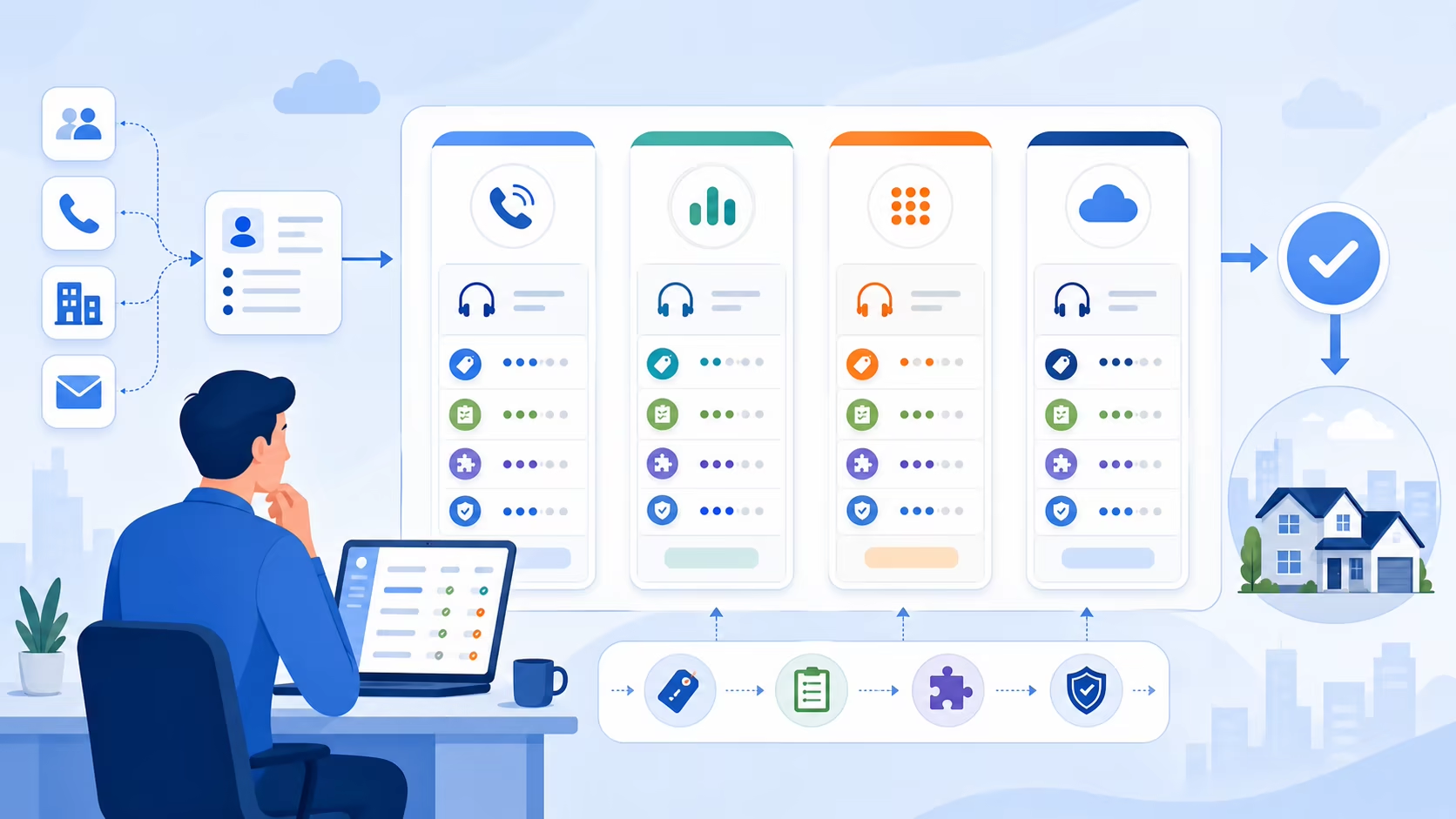
Scorecard scores without coaching

A score without coaching is just a number. The value of a call quality scorecard comes from the behavior change it supports.

An outdated scorecard

Review your scorecard regularly to make sure it reflects current scripts, policies, products, and customer expectations.

FAQs about call quality assurance scorecards

What should a call scorecard include?

A call quality assurance scorecard usually includes call opening, verification or required process steps, discovery or issue identification, communication, empathy, knowledge accuracy, resolution or next steps, closing, documentation, and coaching notes. Sales teams may also include qualification, value presentation, and objection handling.

FAQs about call quality assurance scorecards answer common buyer questions with a concise visual summary illustration

What is the best call scoring scale?

There is no single best scale. Pass/fail works well for required steps, while a 1 to 5 scale works well for soft skills and conversation quality. Many teams use a hybrid model with weighted categories and pass/fail critical items.

How many calls should managers review?

The right number depends on call volume, team size, risk level, and coaching goals. The key is to review enough calls to identify patterns, not just isolated moments. Teams with limited QA capacity can start with a small, consistent sample and increase coverage over time if resources allow.

How often should a scorecard be updated?

Review the scorecard whenever your call flow, product, policy, customer expectations, or sales process changes. Many teams also schedule a regular quarterly review to keep criteria current.

How do you reduce bias in call scoring?

Use clear definitions, focus on observable behaviors, calibrate reviewers, compare category-level scoring differences, and document examples of strong, average, and weak performance. When possible, avoid letting the final call outcome overly influence the quality score.

Can AI help with call quality assurance?

Some call center and sales technologies may support automation, transcription, analytics, or QA workflows. Capabilities vary by provider, so teams should verify what their tools can actually do before relying on automated scoring or broad call coverage.

Final thoughts on call QA scorecards

A strong call quality assurance scorecard should be simple enough to use consistently and specific enough to drive better coaching. Start with the behaviors that matter most, define them clearly, test the scorecard on real calls, calibrate reviewers, and turn every review into an action plan.

Final thoughts on call QA scorecards illustrate the section concept for a B2B sales operations reader illustration

When QA is treated as a coaching system rather than a grading exercise, scorecards become much more useful. They help managers give fair feedback, help agents understand what good looks like, and help teams improve the conversations that matter most.

BDR Tools to Build a Better Sales Stack

TL;DR: BDR tools are software platforms for prospecting, data enrichment, outreach, cold calling, CRM updates, scheduling, reporting, coaching, and BDR to AE handoffs, and the article recommends building the stack around workflow bottlenecks instead of buying every popular tool at once. Core categories are prospecting and lead data tools such as LinkedIn Sales Navigator, ZoomInfo, Apollo, Lusha, and Cognism, sales dialers such as Kixie, Aircall, CloudTalk, Dialpad, and RingCentral, sales engagement tools such as Outreach, Salesloft, HubSpot Sales Hub, and Apollo, CRM tools such as Salesforce, HubSpot CRM, Pipedrive, Zoho CRM, and monday CRM, scheduling and productivity tools such as Calendly, Chili Piper, Google Calendar, Microsoft Outlook, Slack, Loom, Vidyard, Asana, Trello, and Notion, plus reporting inside CRM, engagement, dialer, or BI systems. Selection criteria include ICP filtering, data freshness, CRM sync, duplicate prevention, personalization context, compliance review, reduced dialing and logging, call dispositions, coaching visibility, sequence management, team templates, reply and meeting tracking, routing rules, calendar reliability, handoff context, activity tracking, ownership, pipeline visibility, integration fit, adoption, onboarding effort, and reporting quality. Recommended stacks scale from a first BDR using a basic CRM, prospecting source, email tools, scheduler, and simple calling workflow, to small outbound teams adding structured engagement, dedicated dialers, shared templates, call dispositions, follow-up tasks, and clean handoffs, to growing teams adding RevOps governance, standardized CRM fields, dashboards, coaching workflows, and routing rules, to enterprise teams requiring security review, procurement, data governance, specialized tools, cross-functional reporting, clear owners, and a business purpose for every platform.

Business development representatives live in a high-activity workflow: research accounts, find the right contacts, personalize outreach, make calls, send follow-ups, book meetings, update the CRM, and hand off qualified opportunities. The right business development representative tools make that work more consistent and measurable without forcing reps to jump between disconnected systems all day.

This guide breaks down BDR tools by workflow stage so you can build a stack that fits your team’s size, outbound motion, CRM setup, and budget. Instead of buying every popular platform at once, use this as a practical framework for choosing the tools that remove the most friction from your day-to-day sales development process.

What are BDR tools

Business development representative tools are software platforms that help BDRs identify prospects, manage outreach, qualify leads, schedule meetings, and track activity. They typically support one or more parts of the outbound sales process, including prospecting, data enrichment, email sequencing, cold calling, CRM management, scheduling, reporting, and coaching.

For BDR managers and RevOps teams, these tools are not just about activity volume. A strong BDR stack should also improve visibility into rep performance, standardize handoffs to account executives, reduce manual CRM work, and help leaders understand which messages, channels, and segments are creating pipeline.

What BDR teams need tools for

Before comparing vendors, map the work your BDRs actually do. Most teams need support across the following workflow stages.

  • Finding prospects: Identifying target accounts and contacts that match your ideal customer profile.
  • Enriching lead data: Adding or validating contact details, company information, job titles, and other useful context.
  • Prioritizing accounts: Deciding which prospects deserve attention based on fit, intent, engagement, or territory rules.
  • Sending outbound emails: Creating sequences, testing messaging, and tracking replies.
  • Making cold calls: Helping reps call more efficiently, disposition outcomes, and keep records organized.
  • Managing follow-ups: Keeping tasks, reminders, and multi-touch cadences from slipping through the cracks.
  • Booking meetings: Reducing back-and-forth scheduling once a prospect is ready to talk.
  • Updating CRM records: Keeping account, contact, activity, and opportunity data accurate enough for reporting and handoff.
  • Tracking performance: Monitoring activity, connection rates, conversion rates, booked meetings, and pipeline contribution.

BDR tool categories at a glance

Use this high-level guide to decide which categories deserve priority in your BDR stack.

  • Prospecting and lead data tools: Best for teams that need to build targeted lists and improve account research.
  • Sales dialers and calling tools: Best for teams that rely on live conversations and need a more structured calling workflow.
  • Sales engagement tools: Best for teams running multi-step outbound cadences across email, calls, and tasks.
  • CRM tools: Best for managing accounts, contacts, activities, pipeline stages, and handoffs.
  • Scheduling tools: Best for reducing meeting-booking friction after a positive reply or live conversation.
  • Productivity and collaboration tools: Best for keeping reps, managers, marketing, and account executives aligned.
  • Reporting and coaching tools: Best for managers who need visibility into activity quality, outcomes, and process adherence.

Prospecting and lead data tools

Prospecting tools help BDRs identify accounts and contacts that match the team’s target market. These platforms are often used to create lists, research buying committees, find contact information, and prepare personalized outreach.

Common tools in this category include LinkedIn Sales Navigator, ZoomInfo, Apollo, Lusha, Cognism, and similar data providers. The best fit depends on your target market, geography, data coverage needs, CRM setup, and internal data governance requirements.

What to look for in prospecting tools

  • ICP filtering: Can reps search by company size, industry, role, seniority, location, technology usage, or other relevant criteria?
  • Data freshness: How does the provider maintain and verify its data?
  • CRM workflow: Can your team move records into the CRM cleanly without creating duplicates?
  • Research context: Does the platform provide enough account and contact context for meaningful personalization?
  • Data review: Has your legal or compliance team reviewed how the data may be used in your regions and channels?

Prospecting tools are most valuable when paired with clear targeting rules. Without a defined ICP, reps may build large lists that look productive but produce low-quality conversations.

Cold calling and sales dialer tools

For many BDR teams, phone conversations remain one of the fastest ways to qualify interest, uncover objections, and book meetings. A sales dialer helps organize calling workflows so reps can spend less time manually managing call tasks and more time having conversations.

Tools to evaluate in this category include Kixie, Aircall, CloudTalk, Dialpad, RingCentral, and other calling platforms. Because calling workflows can vary widely by region, CRM, phone system, and compliance requirements, teams should verify each platform’s current capabilities directly with the vendor before making a decision.

What to look for in sales dialer tools

  • CRM fit: Does the dialer support your current CRM workflow for contacts, activities, call notes, and outcomes?
  • Rep efficiency: Does it reduce manual dialing, logging, and follow-up work?
  • Call outcomes: Can reps categorize calls in a way that managers can report on later?
  • Coaching visibility: Can managers review activity patterns and identify where reps need help?
  • Operational controls: Can RevOps configure workflows consistently across users or teams?
  • Compliance review: Have legal and operations teams reviewed calling, recording, consent, SMS, and regional requirements?

A dialer is especially useful when BDRs are expected to make consistent outbound calls, follow up quickly on inbound leads, or work through prioritized call lists. If your team is mostly email-led, you may still need calling software, but it may not be the first tool to evaluate.

Sales engagement and outreach tools

Sales engagement platforms help BDRs manage structured outreach across multiple steps. A typical sequence might include emails, call tasks, social touches, manual reminders, and follow-up steps. The goal is to make outreach repeatable while still leaving room for relevant personalization.

Common tools in this category include Outreach, Salesloft, HubSpot Sales Hub, Apollo, and similar platforms. Some teams use a dedicated sales engagement platform, while others rely on CRM-native tools or a lighter combination of email, task management, and calling software.

What to look for in sales engagement tools

  • Sequence management: Can reps build and manage multi-step outreach without losing track of prospects?
  • Personalization controls: Does the tool encourage relevant personalization instead of generic mass outreach?
  • Team templates: Can managers standardize messaging while allowing reps to adapt it?
  • Reply and meeting tracking: Can the team see which messages generate conversations?
  • CRM sync: Does activity flow into the CRM in a way that is useful for managers and account executives?

Sales engagement tools can improve consistency, but they should not replace good messaging. The most successful BDR teams combine structured cadences with strong account research and clear value propositions.

CRM tools for BDR teams

Your CRM is the system of record for accounts, contacts, activities, pipeline, and sales handoffs. Even if BDRs spend much of their day in prospecting, engagement, or calling tools, the CRM should remain the source of truth for revenue data.

Common CRM options include Salesforce, HubSpot CRM, Pipedrive, Zoho CRM, monday CRM, and other platforms. The right choice depends on company size, sales process complexity, reporting needs, integration requirements, and how much customization your RevOps team needs.

What to look for in CRM tools

  • Clean activity tracking: Can reps and managers see calls, emails, meetings, notes, and next steps?
  • Lead and account ownership: Are routing, territories, and handoffs clear?
  • Pipeline visibility: Can leaders connect BDR activity to qualified opportunities and revenue outcomes?
  • Workflow flexibility: Can the CRM support your qualification process without becoming too complex for reps?
  • Integration ecosystem: Does it work with the rest of your BDR tool stack?

A CRM only works when reps trust it and managers enforce clean process. If your team is struggling with messy data, duplicate records, or unclear handoffs, fix those issues before adding more tools.

Scheduling and productivity tools for BDRs

Once a prospect agrees to meet, the last thing you want is a long scheduling thread. Scheduling tools help prospects choose a time quickly, while productivity tools help reps collaborate with managers, account executives, and marketing.

Common tools in this part of the stack include Calendly, Chili Piper, Google Calendar, Microsoft Outlook, Slack, Loom, Vidyard, Asana, Trello, Notion, and similar platforms. Some teams need only basic scheduling, while others need advanced routing, handoff, or collaboration workflows.

What to look for in scheduling tools

  • Low-friction booking: Can prospects schedule without unnecessary steps?
  • Routing rules: Can meetings be assigned to the right rep, account executive, or region?
  • Calendar reliability: Does the tool prevent double booking and respect availability?
  • Handoff context: Can BDRs share notes and next steps with account executives?
  • Internal collaboration: Can reps ask questions, share learnings, and get fast feedback?

Reporting and coaching tools for sales teams

BDR managers need more than activity totals. A useful reporting setup should show where conversion breaks down: list quality, email response, call connection, meeting booking, show rates, qualification quality, or handoff execution.

Some reporting lives inside the CRM, sales engagement platform, dialer, or business intelligence tool. The key is to define the metrics that matter before buying another analytics product.

BDR metrics to track

  • Activity volume: Calls, emails, social touches, tasks completed, and accounts worked.
  • Connection and reply rates: How often prospects engage by phone, email, or other channels.
  • Conversion rates: Positive replies, conversations, meetings booked, meetings held, and qualified opportunities.
  • Speed to lead: How quickly reps follow up with inbound or high-priority prospects.
  • Handoff quality: Whether account executives receive useful notes, qualification details, and next steps.
  • Pipeline contribution: How BDR activity connects to opportunities and revenue.

Managers should use reporting for coaching, not just inspection. If a rep has high activity but low conversion, the problem may be targeting, messaging, call execution, timing, or a mismatch between the account list and the offer.

How to choose your BDR tool stack

The best business development representative tools are the ones that match your workflow and are actually adopted by reps. Use the checklist below before adding a new platform.

  • Start with the bottleneck: Are reps struggling most with list building, outreach volume, live conversations, follow-up, CRM updates, or reporting?
  • Confirm CRM compatibility: Make sure the tool fits your system of record and does not create duplicate manual work.
  • Avoid overlapping tools: Many platforms cover multiple categories. Check whether you already own similar functionality.
  • Prioritize adoption: A simpler tool that reps use consistently is often better than a complex tool they avoid.
  • Review data and compliance: Involve the right internal stakeholders before using prospect data, calling, recording, or SMS features.
  • Check onboarding needs: Understand how long implementation, training, admin setup, and workflow changes will take.
  • Evaluate reporting quality: Make sure managers can measure outcomes, not just activity.
  • Plan for scale: Choose tools that can support your next stage without forcing unnecessary complexity today.

BDR tool stack examples by team size

Tool stack for a first BDR

Keep the stack lean. A basic CRM, a prospecting source, email tools, a calendar scheduler, and a simple calling workflow may be enough. At this stage, the biggest risk is overbuying before you have validated your ICP and messaging.

Tool stack for a small outbound team

As activity increases, consider adding a more structured sales engagement workflow, a dedicated dialer if calling is central to your motion, and clearer CRM reporting. Focus on consistency: shared templates, clear call dispositions, reliable follow-up tasks, and clean handoffs.

Tool stack for a growing BDR team

Scaling teams usually need stronger governance. RevOps may need standardized CRM fields, integrated prospecting and engagement tools, manager dashboards, coaching workflows, and documented routing rules. Tool decisions should support repeatability across teams and territories.

Tool stack for enterprise sales teams

Enterprise teams often require deeper administration, security review, procurement approval, data governance, and cross-functional reporting. The stack may include specialized tools for data, engagement, calling, enablement, analytics, and conversation review, but each tool should have a clear owner and business purpose.

Which BDR tools should you prioritize

  • Choose prospecting tools first if your reps do not have enough qualified accounts or contacts to work.
  • Choose a sales dialer first if live calling is a major channel and reps are losing time to manual dialing, logging, or disorganized follow-up.
  • Choose sales engagement first if reps need consistent multi-touch sequences and better follow-up discipline.
  • Choose CRM cleanup first if reports are unreliable, handoffs are unclear, or reps do not trust account and contact data.
  • Choose scheduling tools first if interested prospects are getting stuck in meeting-booking friction.
  • Choose reporting improvements first if managers cannot tell which activities and segments are producing pipeline.

Mistakes to avoid when buying BDR tools

  • Buying for features instead of workflow: A long feature list does not matter if the tool does not fit how your reps work.
  • Ignoring manager needs: Reps need speed, but managers need visibility, coaching context, and reliable reporting.
  • Skipping data hygiene: More automation can amplify messy CRM data if ownership and field rules are unclear.
  • Over-automating outreach: Templates and sequences help, but generic outreach can damage response rates and brand reputation.
  • Forgetting compliance review: Prospect data, cold calling, SMS, consent, and recording rules can vary by region and use case.
  • Underestimating implementation: Even intuitive tools require setup, training, documentation, and ongoing management.

FAQs about BDR tools

What tools do BDRs use

BDRs commonly use prospecting tools, lead data platforms, CRMs, sales engagement software, sales dialers, email tools, scheduling tools, collaboration platforms, and reporting dashboards. The exact stack depends on the company’s sales motion, target market, CRM, and outbound channels.

Are BDR tools different from SDR tools

BDR and SDR tools often overlap. Both roles may use software for prospecting, outreach, calling, qualification, CRM updates, and meeting booking. The difference is usually in the company’s role definitions, such as whether the rep focuses on outbound prospecting, inbound qualification, partnerships, market development, or account-based outreach.

What is the most important BDR tool

The CRM is usually the most important system of record, but the most important day-to-day tool depends on the team’s bottleneck. A calling-heavy team may prioritize a sales dialer, while an email-led team may prioritize sales engagement, and a newer team may need better prospecting data first.

Do BDRs need a sales dialer

BDRs do not always need a dedicated sales dialer, but teams that rely on phone outreach should strongly consider one. A dialer can help organize call workflows, reduce manual steps, and give managers better visibility into calling activity and outcomes. Teams should verify capabilities, integrations, and compliance requirements before choosing a provider.

How many tools should a BDR team use

A BDR team should use as few tools as possible while still covering the core workflow: data, outreach, calling, CRM, scheduling, and reporting. Too many tools can create context switching and data problems. Start with the biggest bottleneck, integrate with the CRM, and add tools only when there is a clear process need.

Build a BDR stack that fits your team

The best business development representative tools do not just help reps do more work. They help the team focus on the right accounts, reach prospects through the right channels, follow up consistently, capture clean data, and turn qualified conversations into pipeline.

If calling is an important part of your outbound motion, include a sales dialer evaluation in your BDR stack review. If your bigger challenge is list quality, CRM hygiene, or meeting handoff, solve that first. The right stack is the one that removes friction from your actual workflow, not the one with the longest list of software logos.

SDR Call Cadence Templates That Book More Meetings

TL;DR: A strong SDR call cadence is a structured sequence for when to call, voicemail, email, use LinkedIn, and stop, with 5 adaptable templates covering 21-day cold outbound, 10-day high-intent inbound, 72-hour warm lead, account-based, and re-engagement motions. Practical outbound starting point is 3 to 5 calls inside 7 to 13 total touches across roughly 10 to 25 business days, adjusted for buyer seniority, intent, deal size, urgency, and compliance. The 21-day cold outbound cadence uses calls on days 1, 3, 7, 14, and 21 plus LinkedIn on days 2 and 17 and emails on days 1, 5, 10, and 21. The 10-day high-intent inbound cadence prioritizes speed with day 0 call within minutes, confirmation email, second same-day call, day 1 call, day 2 email, day 4 call, day 6 still-interested email, and day 10 final call and close-the-loop email. The 72-hour warm lead cadence uses hour 1 call and email, day 1 call and voicemail, day 2 value email, and day 3 final call and note. The account-based cadence researches 2 to 4 contacts, calls and emails the primary on day 1, calls again day 3, emails a second stakeholder day 5, calls them day 7, sends account insight day 10, calls primary and another stakeholder day 14, sends final email day 18, and ends with day 25 final call or LinkedIn touch before nurture or recycle. The re-engagement cadence is lighter with calls on days 1, 8, and 18, emails or LinkedIn on days 1, 4, 12, and 18, and requires new context, a changed situation, or clear value-add. Best practices include matching intensity to lead intent, varying local call windows, avoiding repeated generic voicemails, pairing calls with short relevant emails, personalizing by role or company context, defining exit criteria such as booked meeting, disqualification, opt-out, referral, or no engagement, reviewing compliance, and tracking call-to-connect, conversation-to-meeting, voicemail-to-callback, email reply after calls, and step-level performance.

A strong SDR call cadence gives reps a clear plan for when to call, when to leave voicemail, when to send supporting emails, and when to stop. The goal is not to simply add more touches. The goal is to reach the right prospect with the right message at the right moment, without relying on one channel or one follow-up.

Below are five SDR call cadence examples you can adapt for cold outbound, inbound leads, warm leads, account-based prospecting, and re-engagement. Treat them as starting points, then refine based on your audience, sales cycle, call data, and compliance requirements.

SDR call cadence templates you can adapt

Here is a quick overview before we break down each cadence:

SDR call cadence templates you can adapt show sales communication software in use by a revenue team illustration
  • 21-day cold outbound cadence: Best for prospects who have not engaged with your company yet.
  • 10-day high-intent inbound cadence: Best for demo requests, pricing page visitors, and other hand-raisers.
  • 72-hour warm lead cadence: Best for event attendees, webinar leads, referrals, or recent content conversions.
  • Account-based SDR cadence: Best for target accounts where personalization and multiple stakeholders matter.
  • Re-engagement cadence: Best for previous non-responders, closed-lost opportunities, or older nurture leads.

Most of these examples combine calls with email and LinkedIn touches. Calls are the backbone, but supporting channels help create context, reinforce value, and give prospects more than one way to respond.

What is an SDR call cadence

An SDR call cadence is a structured sequence of call attempts and supporting follow-ups used to contact a prospect over a defined period of time. It tells the rep what to do next, when to do it, and what message to use.

What is an SDR call cadence show sales communication software in use by a revenue team illustration

A call cadence usually includes:

  • Call attempts: Live calls placed at different times and days.
  • Voicemails: Short messages used selectively when a prospect does not answer.
  • Follow-up emails: Contextual emails that reinforce the reason for calling.
  • LinkedIn touches: Profile views, connection requests, or short messages where appropriate.
  • Breakup or close-the-loop message: A final touch that gives the prospect a clear next step or moves them to nurture.

The best SDR cadence is not universal. A high-intent inbound lead may need several fast touches in the first few hours, while a cold outbound account may require a longer, more personalized sequence.

How many calls should an SDR cadence include

For many outbound SDR teams, a practical starting point is 3 to 5 call attempts inside a broader 7 to 13 touch sequence. Those touches may span roughly 10 to 25 business days, depending on the buyer, deal size, and urgency.

That range is not a rule. If your prospects are senior executives, you may need fewer but more personalized touches. If your leads requested a demo or filled out a high-intent form, you may need more immediate call attempts in a shorter period. If your market is highly regulated, your team should review calling, consent, and do-not-call requirements before launching or scaling any cadence.

21-day cold outbound call cadence template

Use this cadence when the prospect has not recently engaged with your company. The goal is to create recognition, test multiple call windows, and pair each call with a relevant reason for reaching out.

Cold outbound cadence steps

  • Day 1: Call attempt 1. If there is no answer, do not automatically leave a voicemail unless you have a strong reason. Send a short personalized email after the call.
  • Day 2: LinkedIn profile view or connection request. Keep the note brief and non-pitchy.
  • Day 3: Call attempt 2 at a different time of day. If no answer, leave a concise voicemail that references the email.
  • Day 5: Send a value-led follow-up email with one relevant problem, trigger, or observation.
  • Day 7: Call attempt 3. If connected, use a permission-based opener. If no answer, skip voicemail unless you have new context.
  • Day 10: Send a short proof or insight email. Avoid exaggerated claims; use a relevant idea, question, or resource.
  • Day 14: Call attempt 4. Try a different local-time window than previous attempts.
  • Day 17: LinkedIn touch or email with a specific question tied to the prospect’s role.
  • Day 21: Final call attempt and breakup email. Give the prospect an easy way to respond, redirect you, or opt out of further outreach.

When to use this SDR cadence

  • You are prospecting into cold accounts.
  • You have a clear persona and pain point.
  • Your list quality is strong enough to support personalization.
  • You want a balanced sequence that does not rely only on email.

Cold outbound call voicemail example

“Hi [Name], this is [Rep] with [Company]. I’m reaching out because teams like [relevant team or role] often look at [problem area] when [trigger or business context]. I also sent a short email with the reason for my call. If this is relevant, you can reach me at [phone number]. Again, this is [Rep] at [phone number].”

10-day high-intent inbound call cadence template

Inbound leads should usually be handled faster than cold outbound prospects because the buyer has already shown intent. This cadence is useful for demo requests, contact-us forms, pricing inquiries, or high-intent website activity.

High-intent inbound cadence steps

  • Day 0, within minutes if possible: Call attempt 1. Reference the exact action the lead took, such as requesting a demo or submitting a form.
  • Day 0, immediately after call: Send a confirmation email with a clear scheduling option or next step.
  • Day 0, later the same day: Call attempt 2 if the request is high intent and the first call was missed.
  • Day 1: Call attempt 3 at a different time of day. Leave a short voicemail if you have not already done so.
  • Day 2: Send a helpful email that answers the likely reason they reached out.
  • Day 4: Call attempt 4. If connected, confirm their goal and route them to the right next step.
  • Day 6: Send a short “still interested?” email with two or three simple response options.
  • Day 10: Final call and close-the-loop email. Let them know you will step back unless they want to continue the conversation.

High-intent call opener example

“Hi [Name], this is [Rep] from [Company]. I saw you requested [demo/pricing/contact] and wanted to help route you to the right next step. Is now still a good time for a quick question about what you’re looking for?”

72-hour warm lead call cadence template

A warm lead has shown some level of interest, but may not be actively asking to speak with sales. Examples include webinar attendees, event booth scans, content downloads, referrals, or leads from partner campaigns. The first 72 hours are important because the context is still fresh.

Warm lead cadence steps

  • Hour 1: Call attempt 1. Mention the specific event, content, referral, or interaction that created the warm lead.
  • Hour 1, after call: Send a short email with the relevant resource, recap, or reason for following up.
  • Day 1: Call attempt 2. If no answer, leave a voicemail that references the shared context.
  • Day 2: Send a value-focused email. Ask one question related to the lead’s role or likely challenge.
  • Day 3: Call attempt 3. If there is still no response, send a final short note offering to reconnect later or point them to a useful resource.

Warm lead call voicemail example

“Hi [Name], this is [Rep] with [Company]. I’m following up on [webinar/event/resource/referral]. I thought it might be useful to connect for a few minutes because [specific reason]. I’ll send a quick email as well. You can reach me at [phone number].”

Account-based SDR cadence for target accounts

An account-based cadence is useful when the account matters more than a single lead. Instead of repeating the same message to one person, the SDR researches the account, identifies multiple stakeholders, and coordinates outreach around a relevant business trigger.

Account-based cadence steps

  • Day 1: Research the account and identify 2 to 4 relevant contacts. Call the primary contact and send a personalized email.
  • Day 3: Call attempt 2 to the primary contact. Reference a company-level trigger, initiative, hiring trend, technology change, or public business priority if relevant and verified.
  • Day 5: Email a second stakeholder with a message written for their role. Avoid copying and pasting the same note to everyone.
  • Day 7: Call the second stakeholder. If connected, ask who owns the initiative or problem area internally.
  • Day 10: Send a concise account-level insight or question to the primary contact.
  • Day 14: Call attempt 3 to the primary contact and attempt another relevant stakeholder if appropriate.
  • Day 18: Send a final email that summarizes why you reached out and asks whether there is a better person to contact.
  • Day 25: Final call or LinkedIn touch, then move the account to a later nurture or recycle queue if there is no engagement.

Account-based call opener example

“Hi [Name], this is [Rep] with [Company]. I’m calling because I noticed [verified account trigger], and I’m trying to understand whether [relevant problem area] is something your team is focused on this quarter. Would it be unreasonable to ask one quick question?”

Re-engagement call cadence template

Use a re-engagement cadence when a prospect went quiet, previously said “not now,” or did not respond to an earlier sequence. This cadence should be lighter than your first outbound push. The reason for reaching out should be new information, a changed situation, or a clear value-add.

Re-engagement cadence steps

  • Day 1: Call attempt 1 with a specific reason for re-engaging. Send a short email after the call.
  • Day 4: Send a helpful resource, new idea, or question tied to the last known pain point.
  • Day 8: Call attempt 2. If no answer, leave a short voicemail only if your message adds new context.
  • Day 12: LinkedIn touch or email asking if the priority has changed.
  • Day 18: Final call and close-the-loop email. Offer to reconnect at a later date if timing is the issue.

Re-engagement cadence email example

“Hi [Name], I know timing was not right when we last connected. I’m reaching back out because [new trigger, relevant update, or changed context]. Is [problem area] still on your radar, or should I check back later?”

Call cadence best practices for SDRs

Match cadence intensity to lead intent

A demo request and a cold prospect should not receive the same cadence. High-intent leads usually deserve faster follow-up. Cold prospects usually need more context, more personalization, and more spacing between touches.

Vary your call times

If you always call at 9:00 a.m. on the same weekday, your data will only tell you how prospects respond to that window. Test different local-time blocks, such as early morning, late morning, mid-afternoon, or late afternoon. Avoid assuming one universal best time for every market.

Avoid repeating the same call voicemail

Voicemail can be useful, but repeated generic voicemails often add little value. Use voicemail when you have a clear reason, keep it brief, and point to a simple next step. If you leave multiple voicemails in a cadence, make each one distinct.

Pair calls with relevant emails

A call creates urgency. An email creates context. The best support emails are short, specific, and easy to answer. They should not read like a brochure. Use them to clarify why you called, what problem you are asking about, and what the prospect can do next.

Personalize SDR outreach beyond basics

Useful personalization connects your outreach to the prospect’s role, company situation, likely business problem, or recent behavior. Avoid fake familiarity or unsupported assumptions. A simple relevant observation is usually better than a long, over-personalized email.

Set clear cadence exit criteria

Every cadence should define when to stop, recycle, or move a prospect to nurture. Exit criteria may include a booked meeting, a disqualification, an opt-out, a referral to another contact, or no engagement after the final touch.

Review call compliance before scaling

Calling and messaging rules vary by region, audience, number type, consent status, and other factors. Before launching a cadence, review applicable calling, texting, email, consent, do-not-call, and privacy requirements with the appropriate internal owner or legal counsel.

What to say on each call attempt

Your call cadence is only as good as the message behind it. Reps should know the purpose of each attempt before they dial.

First call attempt with a permission-based opener

“Hi [Name], this is [Rep] with [Company]. I know I’m catching you out of the blue. The reason I’m calling is [one relevant reason]. Do you have 30 seconds for me to explain why I reached out?”

Second call attempt with context

“Hi [Name], this is [Rep] with [Company]. I reached out earlier this week because [reason]. I also sent a short note with more context. Is [problem area] something your team is looking at right now?”

Call voicemail that is short and specific

“Hi [Name], this is [Rep] from [Company]. I’m calling about [specific reason]. I sent a quick email with the context, and if it’s relevant, you can reach me at [phone number]. Again, that’s [phone number].”

Final call to close the loop

“Hi [Name], this is [Rep] with [Company]. I’ve tried you a few times regarding [reason]. If this is not a priority, no problem. If there is someone better to speak with, I’d appreciate the redirect. I’ll also send one final note.”

How to improve your SDR call cadence

Do not judge a cadence only by total activity. A rep can make many calls without creating meaningful conversations. Track both activity and outcomes so you can improve the sequence over time.

Call cadence metrics to track

  • Call-to-connect rate: The percentage of calls that turn into live conversations.
  • Conversation-to-meeting rate: The percentage of conversations that result in a booked meeting or qualified next step.
  • Voicemail-to-callback rate: Whether voicemail is creating responses or simply adding activity.
  • Email reply rate after call attempts: Whether call-supported emails perform better than standalone emails.
  • Step-level performance: Which specific cadence steps create the most connects, replies, and meetings.
  • Disposition quality: Whether reps are accurately logging outcomes such as no answer, wrong number, not interested, call back later, or referred contact.
  • Lead source performance: How cold outbound, inbound, warm, event, and re-engagement leads respond differently.

How to optimize your cadence

  • Test one variable at a time: Change call timing, voicemail strategy, email subject line, or opener separately so you know what moved the result.
  • Segment your reporting: Compare by persona, industry, company size, lead source, and territory instead of averaging everything together.
  • Listen to call recordings if available and approved: Review openers, objections, pacing, and whether reps are asking clear next-step questions.
  • Remove low-value touches: If a step consistently produces no connects, replies, or useful data, revise or remove it.
  • Keep messaging aligned: The call, voicemail, email, and LinkedIn message should feel like one coordinated conversation.

SDR call cadence FAQs

How many calls should an SDR make in a cadence

A common starting point is 3 to 5 call attempts within a broader multichannel sequence. High-intent inbound leads may justify faster and more frequent early calls, while cold outbound or executive outreach may require more spacing and personalization.

How long should an SDR call cadence run

Cold outbound cadences often run for two to four weeks. Inbound and warm-lead cadences are usually shorter because the prospect’s interest or context can fade quickly. Re-engagement cadences may be lighter and more spread out.

Should SDRs leave voicemails

Yes, but selectively. A good voicemail is short, relevant, and connected to a reason for outreach. Leaving the same generic voicemail after every missed call is usually less effective than using voicemail when you have meaningful context.

What channels should be included in an SDR cadence

Most modern SDR cadences use a mix of phone, email, and LinkedIn. Some teams may also use other channels depending on their market, consent, and internal policies. The channel mix should match buyer preferences and applicable outreach rules.

When should an SDR stop calling a prospect

Stop when the prospect opts out, is disqualified, redirects you to someone else, books a meeting, or completes the final step of your defined cadence without engagement. After that, consider moving the contact to nurture or a future re-engagement list if appropriate.

Build a call cadence your team can execute

The best SDR call cadence is specific enough to guide daily execution but flexible enough to adapt to lead intent, persona, and real conversation data. Start with one of the examples above, define your call and follow-up steps clearly, then review performance by step so your team can improve over time.

If your SDR team is evaluating its calling process, look for gaps in list quality, messaging, call timing, follow-up discipline, and reporting. Better cadence performance usually comes from improving the entire workflow, not just adding more dials.

Sales Call Analytics Dashboard Examples That Improve Coaching

TL;DR: Sales call analytics dashboards are sales reporting views for outbound and inbound call motions that connect activity, outcomes, coaching, and pipeline impact across SDRs, BDRs, AEs, RevOps, managers, VPs of Sales, CROs, founders, and executives, using KPI cards, trend lines, heat maps, funnels, ranked lists, scorecards, goal progress bars, stacked outcome charts, overdue task lists, and filters such as date range, rep, team, region, territory, campaign, lead source, persona, CRM stage, deal size, tenure, ramp status, and revenue owner. The article gives 10 dashboard examples including sales rep activity with calls made, connected calls, missed calls, voicemails, average call duration, meetings booked, and follow-up tasks, sales team performance with connection rate, average talk time, opportunities created, and connected-call-to-meeting conversion, call connection rate with calls placed, answered and unanswered calls, time-of-day, day-of-week, and attempts per lead, outreach productivity with calls, emails, social or text touches, overdue tasks, touchpoints per opportunity, and cadence completion, call outcome tracking for dispositions such as no answer, voicemail, wrong number, not interested, follow-up requested, meeting booked, and disqualified, coaching dashboards for openers, discovery, objections, qualification, next steps, talk time, call length, meeting conversion, and ramp progress, pipeline impact dashboards for calls to meetings, meetings to opportunities, stage progression, pipeline value influenced by calls, and closed-won revenue, leader dashboards for total calls, connection rate, meetings, opportunities, pipeline, quota, and forecast context, SDR and BDR leaderboards that balance calls made, connected calls, meetings booked, show rate, qualified opportunities, and conversion rate, and follow-up and SLA dashboards tracking tasks created, completed, overdue, time to follow-up, calls needing next action, and meetings scheduled after follow-up. Core KPI groups are activity metrics such as calls made, attempts per lead, first and last call time, and completed follow-ups, engagement metrics such as connected calls, connection rate, average duration, and talk time, outcome metrics such as dispositions, meetings booked, conversion rate, and disqualification rate, and revenue metrics such as opportunities created, pipeline value, stage progression, and closed-won revenue, with guidance to diagnose high volume plus low connection as list or timing issues, high connection plus low meetings as messaging or discovery issues, long calls plus low conversion as weak qualification, short connected calls plus high rejection as poor audience fit or openers, strong activity plus weak pipeline as account targeting problems, and good meetings plus poor opportunity creation as handoff, show-rate, or qualification gaps.

Sales teams make thousands of calls, but call volume alone rarely tells the full story. A strong sales call analytics dashboard helps managers see which activities create conversations, which conversations create opportunities, and where reps need coaching.

Below are practical sales call analytics dashboard examples you can adapt for SDR teams, account executives, RevOps, and sales leaders. Each example includes the metrics to track, suggested visuals, and how to interpret what the dashboard is telling you.

What is a sales call analytics dashboard

A sales call analytics dashboard is a reporting view that visualizes sales calling activity, call outcomes, rep performance, and related pipeline impact. It is more specific than a general sales dashboard because it focuses on call-based selling motions: outbound calls, inbound sales conversations, connection rates, talk time, call outcomes, meetings booked, follow-up activity, and opportunities influenced by calls.
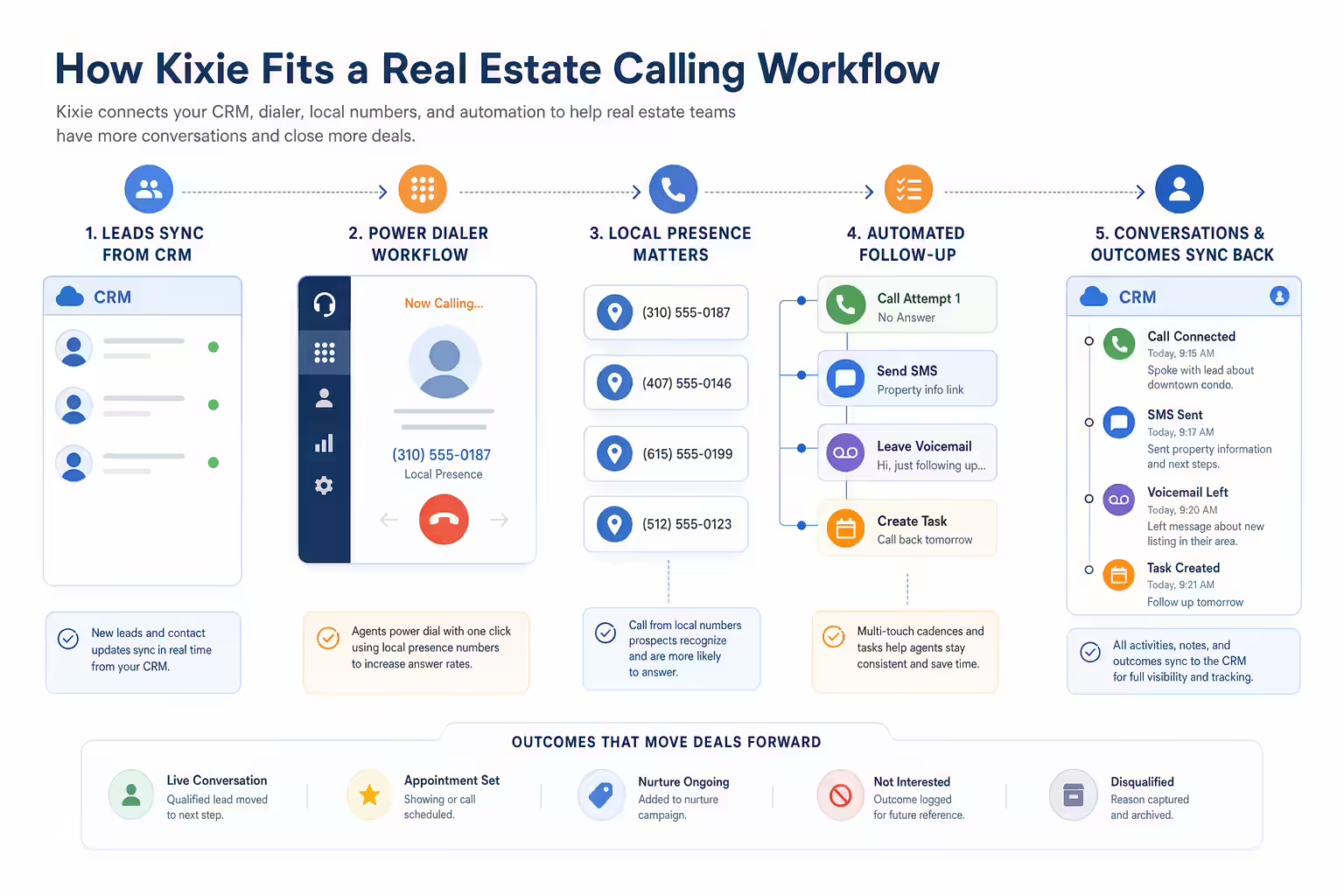
What is a sales call analytics dashboard show abstract operating metrics using simple geometric charts and icons only; no dashboard UI, labe

It is also different from a support call center dashboard. Support dashboards often prioritize service levels, queue times, and customer satisfaction. Sales call dashboards prioritize outreach productivity, conversation quality, conversion rates, pipeline creation, and coaching opportunities.

Sales call analytics dashboard examples

Sales rep activity dashboard

This dashboard gives individual reps a clear view of their daily and weekly calling performance. It should be simple enough for reps to check quickly and specific enough to show whether activity is translating into meaningful sales conversations.

Sales call analytics dashboard examples answer common buyer questions with a concise visual summary illustration
  • Best for: SDRs, BDRs, account executives, and frontline sales reps.
  • Core KPIs: calls made, connected calls, missed calls, voicemails left, average call duration, meetings booked, follow-up tasks completed.
  • Suggested visuals: KPI cards for daily totals, a trend line for calls over time, and a call outcome breakdown by disposition.
  • Useful filters: date range, call direction, lead source, campaign, and call outcome.

How to read it: If a rep has high call volume but few connected calls, the issue may be list quality, timing, territory coverage, or messaging. If connected calls are strong but meetings booked are low, review the call approach, qualification questions, and next-step process.

Sales team performance dashboard

A manager dashboard compares rep performance across the team and helps identify where coaching or process changes are needed. It should show both activity volume and outcome quality so managers do not reward activity that fails to produce pipeline.

  • Best for: SDR managers, BDR managers, inside sales managers, and revenue team leads.
  • Core KPIs: total calls, connected calls, connection rate, average talk time, meetings booked, opportunities created, conversion rate from connected call to meeting.
  • Suggested visuals: rep comparison list, team trend charts, goal progress bars, and call outcome distribution.
  • Useful filters: rep, team, region, territory, date range, call type, and campaign.

How to read it: Look for outliers. A rep with low call volume but high conversion may have a strong talk track that can be shared with the team. A rep with high volume and low outcomes may need help with targeting, timing, or discovery.

Call connection rate dashboard

Connection rate is one of the most important sales call KPIs because it shows how often outreach turns into live conversations. This dashboard isolates the factors that influence whether prospects actually answer.

  • Best for: prospecting teams, RevOps, and managers optimizing outbound sequences.
  • Core KPIs: calls placed, answered calls, unanswered calls, connection rate, time-of-day performance, day-of-week performance, call attempts per lead.
  • Suggested visuals: heat map by hour and weekday, trend line for connection rate, and breakdown by lead source or segment.
  • Useful filters: time zone, region, persona, list source, campaign, and rep.

How to read it: If connection rates vary sharply by time of day or lead source, adjust call blocks and prioritization. If connection rate drops across the entire team, investigate data freshness, caller reputation, list quality, or changes in audience behavior.

Sales outreach productivity dashboard

Sales calls rarely happen in isolation. This dashboard combines call activity with other outreach actions, such as emails, text messages, social touches, or follow-up tasks, depending on what your team tracks.

  • Best for: teams running multi-touch outbound cadences.
  • Core KPIs: calls made, emails sent, follow-ups completed, tasks overdue, contacts touched, touchpoints per opportunity, meetings booked.
  • Suggested visuals: activity mix chart, cadence completion trend, rep productivity comparison, and task completion list.
  • Useful filters: campaign, sequence, rep, account tier, lead status, and CRM stage.

How to read it: If reps are calling but not completing follow-up tasks, opportunities may stall after the first conversation. If activity is high across channels but meetings are low, review targeting and messaging rather than simply increasing volume.

Call outcome dashboard

A call outcome dashboard shows what happened after each call. Instead of only counting calls, it groups conversations by result: connected, no answer, voicemail, wrong number, not interested, follow-up requested, meeting booked, or other dispositions your team uses.

  • Best for: sales teams that want cleaner forecasting, better coaching, and more reliable CRM data.
  • Core KPIs: call disposition counts, outcome rate by rep, outcome rate by lead source, meetings booked, follow-up requested, disqualified prospects.
  • Suggested visuals: stacked bar chart by outcome, disposition trend over time, and rep-level outcome comparison.
  • Useful filters: disposition, campaign, lead source, rep, call direction, and CRM stage.

How to read it: If too many calls are categorized as generic or unknown, managers lose visibility into what is really happening. If one lead source produces a high share of wrong numbers or disqualified prospects, it may need cleanup or lower prioritization.

Sales call coaching dashboard

A coaching dashboard helps managers decide where to spend one-on-one time. It should highlight patterns that suggest a rep needs help with opening, discovery, objection handling, qualification, or next-step setting.

  • Best for: sales managers, enablement teams, and new-hire ramp programs.
  • Core KPIs: connected calls, talk time, average call duration, meeting conversion rate, follow-up completion, call outcomes, ramp progress by rep.
  • Suggested visuals: rep scorecard, trend line by coaching period, call outcome comparison, and a list of calls to review based on selected criteria.
  • Useful filters: tenure, manager, rep, outcome, call length, campaign, and deal stage.

How to read it: Long calls with low conversion may indicate weak qualification or unclear next steps. Very short connected calls may point to poor openers, list mismatch, or fast objections. Use the dashboard to choose which calls and situations deserve deeper review.

Sales pipeline impact dashboard

This dashboard connects call activity to pipeline movement. It helps answer a critical question: are sales calls creating measurable business outcomes?

  • Best for: RevOps, sales leaders, and managers responsible for pipeline creation.
  • Core KPIs: calls to meetings, meetings to opportunities, opportunities created, pipeline value influenced by calls, stage progression after calls, closed-won revenue associated with call activity.
  • Suggested visuals: funnel from call to opportunity, pipeline trend by call source, and opportunity movement by call activity.
  • Useful filters: opportunity stage, lead source, campaign, rep, account segment, deal size, and date range.

How to read it: If call activity is increasing but pipeline is flat, the team may be reaching the wrong accounts, using weak qualification criteria, or failing to convert conversations into next steps. If fewer calls are producing more pipeline, identify the segments, scripts, or reps driving higher-quality conversations.

Sales leader dashboard

An executive sales call dashboard should focus on trends and outcomes rather than every activity detail. The goal is to show whether call-based selling is supporting revenue goals.

  • Best for: VPs of Sales, CROs, founders, and executive stakeholders.
  • Core KPIs: total sales calls, connection rate, meetings booked, opportunities created, pipeline created, quota progress, forecast context.
  • Suggested visuals: executive KPI cards, monthly trend lines, pipeline contribution chart, and team performance summary.
  • Useful filters: business unit, team, region, segment, month, quarter, and revenue owner.

How to read it: Executives should look for directional trends. If meetings are rising but opportunities are not, qualification may be too loose. If pipeline is growing but close rates are not, the team may need better discovery, handoff, or deal management.

SDR and BDR sales leaderboard dashboard

A leaderboard can motivate sales development teams when it balances activity and outcomes. Avoid ranking reps only by raw call count, because that can encourage low-quality activity.

  • Best for: SDR and BDR teams with clear activity and meeting goals.
  • Core KPIs: calls made, connected calls, meetings booked, meeting show rate, qualified opportunities, conversion rate.
  • Suggested visuals: ranked list, goal progress indicators, weekly trend, and badges for top outcome metrics.
  • Useful filters: week, month, team, territory, role, and ramp status.

How to read it: A useful leaderboard rewards both effort and effectiveness. Consider showing call volume next to connected-call conversion and meetings booked so reps see what high-quality performance looks like.

Sales follow-up and SLA dashboard

Many sales opportunities are lost after the call because follow-up is late, incomplete, or inconsistent. A follow-up dashboard shows whether reps are taking the next actions promised during conversations.

  • Best for: inbound sales teams, account executives, SDR teams, and managers tracking response discipline.
  • Core KPIs: follow-up tasks created, follow-up tasks completed, overdue tasks, time to follow-up, calls requiring next action, meetings scheduled after follow-up.
  • Suggested visuals: overdue task list, time-to-follow-up trend, rep completion comparison, and calls without next steps.
  • Useful filters: rep, lead source, priority, CRM stage, call outcome, and date range.

How to read it: If calls are producing interest but follow-up is slow, managers should tighten expectations around next steps. If follow-up is fast but conversion is low, review message quality and whether the call created a compelling reason to continue.

Best sales call dashboard KPIs

The right KPIs depend on your sales motion, but most call analytics dashboards should include a mix of activity, engagement, quality, outcome, and revenue-impact metrics.

Best sales call dashboard KPIs show abstract operating metrics using simple geometric charts and icons only; no dashboard UI, labels, cards,

Sales activity metrics

  • Calls made: total outbound or inbound sales calls logged during a period.
  • Call attempts per lead: how many times reps try to reach a prospect.
  • First and last call time: useful for understanding work patterns and coverage.
  • Follow-up tasks completed: whether reps are taking the next action after calls.
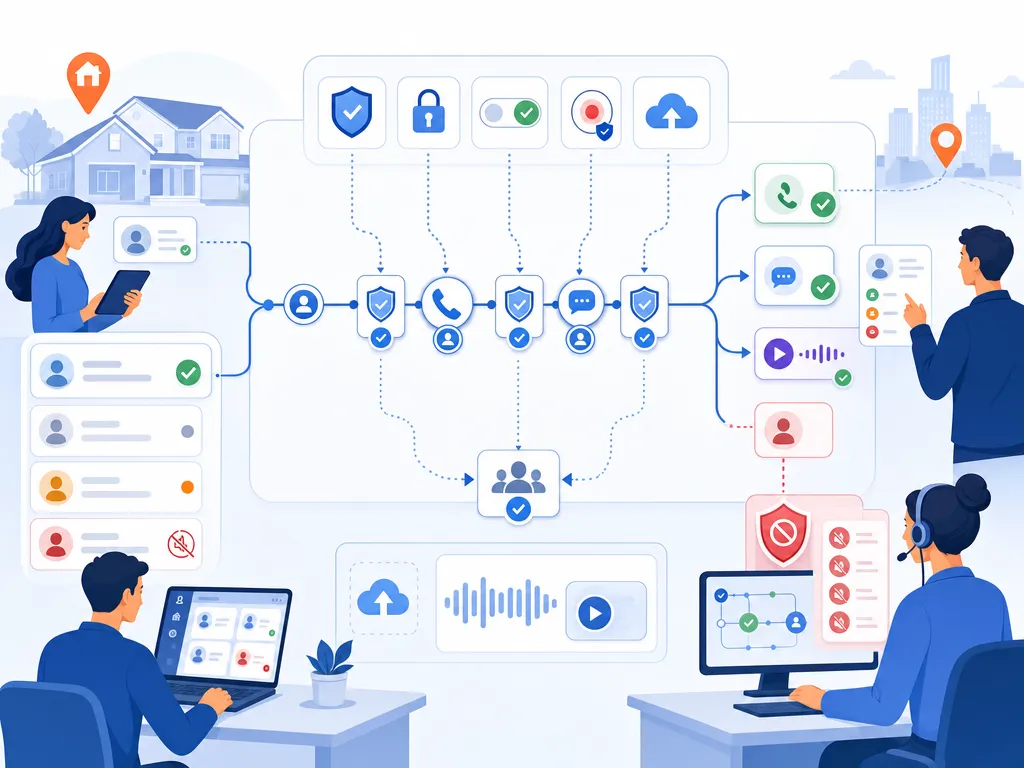
Call engagement metrics

  • Connected calls: calls where a rep reaches a live prospect or customer.
  • Connection rate: connected calls divided by total attempted calls.

  • Average call duration: the average length of completed calls.

  • Talk time: the amount of time spent in live conversations.

Sales outcome metrics

  • Call dispositions: categorized outcomes such as no answer, voicemail, interested, meeting booked, or not a fit.
  • Meetings booked: calls that result in a scheduled meeting or demo.
  • Conversion rate: the percentage of connected calls that produce the desired next step.
  • Disqualification rate: the percentage of calls that remove poor-fit prospects from the pipeline.

Sales revenue impact metrics

  • Opportunities created: qualified opportunities that originate from or are influenced by calls.

  • Pipeline value: potential revenue connected to opportunities where call activity played a role.
  • Stage progression: whether opportunities move forward after meaningful sales conversations.
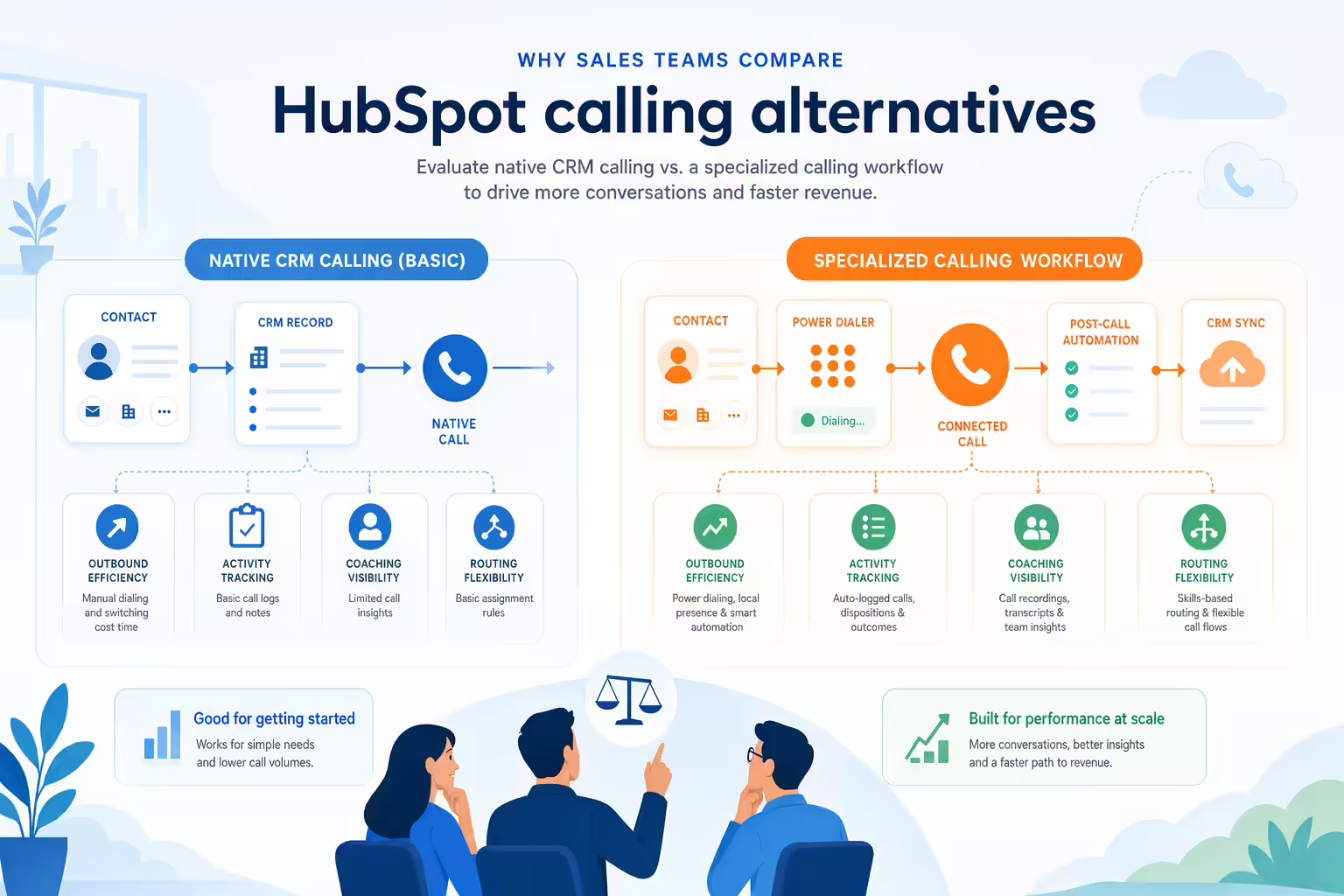
  • Closed-won revenue: revenue associated with accounts or opportunities that included sales call activity.
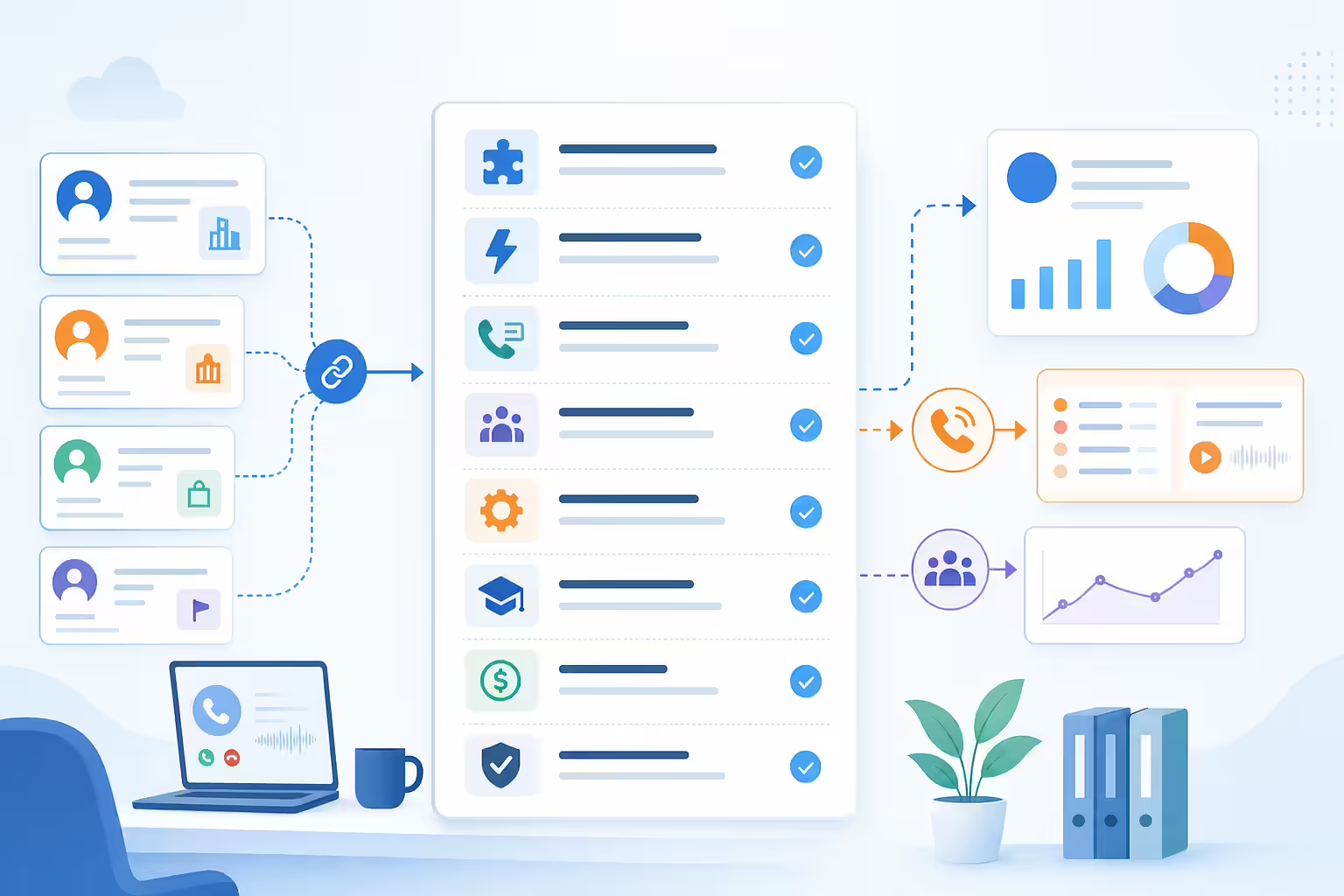
How to read a sales call dashboard

A dashboard is only useful if it leads to decisions. Here are common patterns sales managers should watch for.

How to read a sales call dashboard answer common buyer questions with a concise visual summary illustration
  • High call volume and low connection rate: review list quality, call timing, phone number data, segmentation, and outreach strategy.
  • High connection rate and low meeting rate: coach reps on opening statements, discovery questions, value proposition, and next-step language.
  • Long talk time and low conversion: calls may be friendly but unfocused. Review qualification and close for next step.
  • Short connected calls and high rejection: reps may be reaching the wrong audience or losing prospects in the first few seconds.
  • Strong activity and weak pipeline: evaluate whether the team is prioritizing the right accounts and whether CRM stages reflect real buying intent.
  • Good meetings booked and poor opportunity creation: check handoff quality, meeting show rates, and qualification criteria.

A strong sales call dashboard should not just answer “How many calls did we make?” It should answer “Which calls are creating conversations, next steps, and pipeline?”

What to show first on your sales dashboard

The top of a sales call dashboard should help users understand performance in seconds. Keep the most important metrics visible before deeper drilldowns.

What to show first on your sales dashboard show abstract operating metrics using simple geometric charts and icons only; no dashboard UI, la
  • Top KPI cards: calls made, connected calls, connection rate, meetings booked, opportunities created.
  • Trend chart: daily or weekly performance for calls, connections, and meetings.
  • Rep comparison: a ranked or grouped view of reps by activity and outcomes.
  • Outcome breakdown: call dispositions by count and percentage.
  • Pipeline context: opportunities or pipeline influenced by call activity.

Below the fold, add detail views for call logs, segments, campaigns, coaching notes, and follow-up tasks.

Sales call dashboard filters to add

Filters make dashboards more useful because they let managers isolate what is working and where performance is breaking down.

Sales call dashboard filters to add show abstract operating metrics using simple geometric charts and icons only; no dashboard UI, labels, c
  • Rep or team
  • Date range
  • Call direction
  • Lead source
  • Campaign or sequence
  • CRM stage
  • Call outcome or disposition
  • Region, territory, or time zone
  • Account segment or deal size
  • New hire versus ramped rep

How managers use call analytics for coaching

Call analytics dashboards are especially valuable when they turn performance data into coaching conversations. Instead of relying only on gut feel, managers can use patterns in the data to decide where each rep needs help.

How managers use call analytics for coaching show an unlabeled evaluation checklist or decision matrix using icons and simple shapes only il
  • Identify outliers: compare reps with similar territories or lead sources to find coaching opportunities.
  • Review conversion gaps: focus on the step where each rep loses momentum, such as connection to meeting or meeting to opportunity.
  • Spot follow-up issues: look for calls with positive outcomes but missing next actions.
  • Share best practices: study reps who convert efficiently and turn their approach into team training.
  • Track coaching impact: compare performance before and after coaching sessions to see whether behavior changes.

Common sales call dashboard mistakes

Common sales call dashboard mistakes show abstract operating metrics using simple geometric charts and icons only; no dashboard UI, labels,
  • Tracking only call volume: activity matters, but outcomes matter more.
  • Adding too many KPIs: crowded dashboards are harder to use and easier to ignore.
  • Ignoring call outcomes: without dispositions, managers cannot tell whether calls are productive.
  • Mixing unrelated teams: inbound sales, outbound SDRs, and account executives often need different benchmarks.
  • Using stale data: dashboards lose trust when they do not reflect recent activity.
  • Skipping CRM context: call analytics should connect to pipeline, opportunities, and revenue goals where possible.
  • Building dashboards no one owns: assign responsibility for definitions, cleanup, and review cadence.

Sales call analytics dashboard checklist

Before publishing or rolling out a dashboard, confirm that it answers the questions your team actually needs to answer.

Sales call analytics dashboard checklist show an unlabeled evaluation checklist or decision matrix using icons and simple shapes only illust
  • Does the dashboard separate activity metrics from outcome metrics?
  • Can managers compare reps fairly by team, role, segment, or territory?
  • Are call outcomes or dispositions consistently defined?
  • Can users filter by date range, rep, lead source, campaign, and CRM stage?
  • Does the dashboard show conversion from calls to meetings or opportunities?
  • Is there a clear review cadence for reps, managers, and leaders?
  • Does each metric have an owner and an agreed definition?

Sales call dashboard FAQ

What should a sales call dashboard include

A sales call analytics dashboard should include call activity, connected calls, connection rate, average call duration, call outcomes, meetings booked, follow-up completion, opportunities created, and pipeline context. The exact metrics should match your sales motion and goals.

Sales call dashboard FAQ answer common buyer questions with a concise visual summary illustration

How is a sales dashboard different from call analytics

A sales dashboard usually covers broad revenue and pipeline metrics such as quota attainment, forecast, win rate, and pipeline value. A call analytics dashboard focuses specifically on sales calls, including call attempts, conversations, outcomes, rep performance, and call-driven pipeline impact.

Which call metrics matter most for sales managers

Sales managers should pay close attention to connected calls, connection rate, meetings booked, conversion from connected call to meeting, call outcomes, follow-up completion, and opportunities created. These metrics show both effort and effectiveness.

How often should sales teams review call dashboards

Reps may review personal call metrics daily, managers may review team dashboards daily or weekly, and executives may review higher-level call and pipeline trends weekly or monthly. The right cadence depends on call volume, sales cycle length, and team goals.

How do call dashboards improve sales coaching

They help managers identify where reps need support. For example, low connection rates may point to timing or list issues, while high connection rates with low meeting conversion may point to messaging, discovery, or next-step challenges.

Final sales call dashboard takeaway

The best sales call analytics dashboards do more than count dials. They connect calling activity to conversations, outcomes, follow-up, and pipeline. Start with a focused dashboard for reps and managers, then add executive and RevOps views as your reporting process matures.

Final sales call dashboard takeaway show an abstract icon-only automation flow with arrows, gears, shields, cloud/upload symbols, and people

If you are reviewing your sales calling workflow, use the examples above to decide which metrics your team needs, how those metrics should be filtered, and how managers will turn the data into coaching action.

Best Power Dialer for Real Estate Agents in 2026

TL;DR: A real estate dialer helps agents call lead lists faster, keep CRM records cleaner, and follow up after conversations without losing context. For 2026, the strongest buying criteria are CRM integration, responsible dialing controls, local presence, voicemail drop, SMS follow-up, call recording, reporting, and clear compliance workflows. Kixie fits teams that want power dialing tied to sales engagement workflows, while real estate-specific tools like Mojo, REDX, BatchDialer, CallTools, Dialpad, Follow Up Boss, and CloudTalk are also worth evaluating against your lead sources, team size, CRM, and compliance process.

Disclosure: Kixie publishes this guide. The Kixie section is a worked example for sales engagement workflows, not a paid placement or a claim that one dialer is best for every real estate team.

Real estate calling is still a speed game. A buyer submits a form, a seller responds to a valuation ad, an expired listing hits your list, or an investor lead needs a same-day call. Manual dialing can work for a small book of business, but it breaks down when an agent or inside sales team needs to work hundreds of records, keep accurate notes, and follow up without missing the next opportunity.

That is where a real estate dialer earns its place. The right tool does more than place calls. It helps you move through lists, preserve context, log activity, trigger the next step, and protect your team from sloppy outreach habits. This guide explains how to compare power dialers for real estate, what features matter most, and how Kixie can fit into a real estate calling workflow.

How We Evaluated Real Estate Dialers

Kixie publishes this guide, so the comparison is intentionally transparent. The goal is not to declare a universal winner or make pay-for-placement claims. Instead, this article uses public search results, official vendor pages where available, Kixie product pages, and official compliance resources from the FTC and FCC to build a practical buyer checklist.

Real estate dialer evaluation workflow with vendor criteria and compliance checks

Competitor mentions are neutral and limited to what a buyer should verify. Pricing changes often, feature packaging changes often, and compliance obligations depend on your business model, lead source, location, and calling method. Treat every vendor section as a starting point for evaluation, not as legal, procurement, or compliance advice.

What Is a Real Estate Dialer

A real estate dialer is calling software that helps agents contact leads faster than they could by manually dialing each phone number. Depending on the product, it may queue records, place calls one after another, connect answered calls to an agent, log activity in a CRM, record calls, drop voicemail messages, send follow-up texts, and report on outcomes.

Real estate dialer workflow with CRM records and call queues

The phrase can cover several tools:

  • A power dialer calls one record at a time and moves to the next lead when the current attempt is done.
  • A multi-line power dialer can work more than one line at a time, depending on product settings and compliance policies.
  • A predictive dialer estimates agent availability and may place multiple calls before an agent is free.
  • A preview dialer lets the agent review the record before starting the call.
  • A CRM dialer is built into, or tightly connected with, a real estate CRM.

For most real estate sales teams, the dialer decision is really a workflow decision. You are choosing how leads get prioritized, how quickly agents respond, how call notes are captured, and how the next follow-up happens.

Why Real Estate Agents Use Dialers

Agents and real estate teams usually adopt dialers for three practical reasons: speed, consistency, and visibility.

Real estate dialer workflow showing faster lead response and CRM visibility

Speed matters because fresh inquiries can go cold quickly. A dialer helps a team call new buyer, seller, rental, investor, or referral leads without jumping between spreadsheets, phones, and CRM records. For teams with inside sales agents, this can make calling blocks more focused because reps can stay in one workflow.

Consistency matters because lead sources vary. Expired listings, FSBO lists, circle prospecting, valuation leads, open house lists, inbound web inquiries, and nurture databases all need different scripts and follow-up rules. A good dialer helps agents call the right list with the right context.

Visibility matters because real estate teams need to know what happened. If calls, recordings, notes, dispositions, and follow-up tasks are captured in the CRM, team leads can coach from actual activity instead of scattered memory. Follow Up Boss frames this around centralized calling, texting, records, and workflow integration in its own real estate dialer guidance.

Power Dialer vs Auto Dialer vs Predictive Dialer for Real Estate

The best dialer type depends on your lead source, consent posture, team size, and risk tolerance.

Power auto and predictive dialer paths for real estate teams

A power dialer is often the cleanest fit for real estate teams that want agent control. The agent works a prepared list, handles one live conversation at a time, and moves quickly after each attempt. This can work well for speed-to-lead, warm follow-up, referral lists, past clients, open house follow-up, and disciplined prospecting blocks.

An auto dialer is a broader term. Some people use it to mean any tool that automatically starts calls. Others use it for higher-volume systems that dial without manual number entry. Because definitions vary by vendor and regulation, buyers should ask each provider exactly how the system places calls, whether calls are manually initiated, and how consent and opt-outs are handled.

A predictive dialer can increase volume, but it can also increase compliance and customer-experience risk if it creates abandoned calls or dials people without the right consent. The FTC notes that abandoned calls often result from predictive dialers, and its Telemarketing Sales Rule guidance explains requirements around Do Not Call practices and abandoned-call controls. Real estate teams should get legal guidance before using predictive or prerecorded outreach.

What to Look For in a Real Estate Power Dialer

The feature list should start with your actual calling workflow. A solo agent calling warm database leads does not need the same setup as a brokerage running inside sales coverage across multiple lead sources.

Power dialer buyer checklist with CRM sync and follow-up features

CRM Integration and Automatic Activity Logging

CRM integration is usually the first requirement. If your dialer does not log calls, notes, recordings, outcomes, and follow-up tasks where the team already works, agents end up doing manual admin after every calling block.

For Kixie, start with the CRM integration page and the Power Dialer feature page to understand how the calling workflow can connect to the broader sales stack. Buyers should ask every vendor how records sync, whether custom fields are supported, how duplicates are handled, and whether agents can trigger follow-up from call outcomes.

Local Presence and Caller ID Reputation

Local presence can help teams use numbers that match the market they are calling, but it should be paired with caller ID reputation monitoring and responsible calling behavior. A local number does not excuse poor consent practices, high complaint rates, or misleading caller identity.

Kixie has separate resources on local presence and local presence dialing that can help teams think through area-code strategy. For risk control, review caller ID reputation workflows and decide who owns number health, spam-label monitoring, and remediation.

Voicemail, SMS, and Follow-Up Templates

Real estate calling is rarely one touch. A good dialer should support practical next steps such as voicemail drop, SMS follow-up, email templates, or task creation after a call attempt.

Kixie’s voicemail drop feature and guide to using voicemail drop are useful starting points for teams that want a repeatable post-call process. The key is to keep follow-up relevant, consent-aware, and tied to the lead’s context.

Call Recording, Notes, Transcripts, and Reporting

Managers need visibility into what is working. Look for call recording policies, note templates, dispositions, transcripts, dashboards, and coaching workflows. Confirm whether recording is enabled by default, how notices are handled, and which jurisdictions require consent from one or all parties.

The reporting layer should answer practical questions: Which lead sources connect? Which scripts create booked appointments? Which agents need coaching? Which lists should be paused? Which follow-up step is most likely to happen late?

List Management, Pacing Controls, and Team Visibility

Real estate lists can come from portals, CRMs, spreadsheets, open houses, direct mail responses, expired listing sources, investor campaigns, and referrals. Your dialer should make it easy to segment those lists, prioritize hot leads, pause bad data, and avoid calling people who opted out.

For teams, visibility matters as much as speed. Managers should be able to see who is calling, which lists are active, how dispositions are being used, and whether the team is following the agreed process.

Real Estate Dialer Options to Compare in 2026

The SERP for “real estate dialer” includes a mix of vendor homepages, product pages, and ranked guides. Use this list as a neutral evaluation set, then verify current pricing, features, integrations, and compliance controls directly with each vendor.

Real estate dialer options comparison workflow

BatchDialer

BatchDialer appears in real estate dialer search results with messaging around real estate calling and motivated seller workflows. Evaluate it if your team is focused on investor-style prospecting, property data workflows, and higher-volume list calling. Confirm CRM fit, dialing mode, consent controls, and current package details directly with BatchDialer.

CallTools

CallTools appears in the SERP with a real estate auto dialer page. Evaluate it if your team wants a contact-center-style platform for calling campaigns, team supervision, and outbound workflows. Ask how it handles real estate CRM integration, DNC controls, reporting, and call pacing.

CloudTalk

CloudTalk’s 2026 real estate dialer guide covers definition, methodology, dialer types, workflow integrations, must-have features, and compliance. Evaluate CloudTalk if your team wants a broader business phone and dialer platform with sales and support use cases. Confirm which real estate CRM integrations, local number options, and AI features are available in your plan.

Dialpad

Dialpad’s real estate dialer guide covers dialer types, key considerations, and a shortlist of tools to consider. Evaluate Dialpad if your team wants calling, meetings, AI notes, or coaching features inside a broader communications platform. Verify real estate CRM fit and current packaging before comparing it with dedicated real estate dialers.

Follow Up Boss

Follow Up Boss describes a real estate dialer as a tool for calling, recording, logging, and transcribing conversations with real estate leads. Evaluate it if your team already runs Follow Up Boss as the CRM and wants calling tightly connected to that database. Confirm current dialing, texting, recording, and automation capabilities with Follow Up Boss.

Mojo Dialer

Mojo appears at the top of the SERP with real estate prospecting and lead engagement positioning. Evaluate it if your team is focused on classic real estate prospecting lists, lead management, and dedicated calling blocks. Confirm current integrations, mobile access, list tools, compliance settings, and pricing directly with Mojo.

REDX Power Dialer

REDX appears in the SERP with a power dialer page aimed at real estate agents. Evaluate it if your team already uses or is considering REDX lead sources and wants dialing connected to those prospecting workflows. Confirm current lead, dialer, DNC, and package details directly with REDX.

How Kixie Fits a Real Estate Calling Workflow

Kixie is not a real estate-only CRM. It is a sales engagement platform with calling, texting, workflow, and CRM integration capabilities that can support real estate teams with structured outbound workflows.

Kixie real estate calling workflow with CRM sync and follow-up tasks

A practical Kixie real estate workflow can look like this:

  1. Sync or import leads from the CRM.
  2. Segment by source, urgency, geography, and owner.
  3. Prioritize speed-to-lead lists separately from long-term nurture lists.
  4. Use power dialing for focused calling blocks.
  5. Use local presence only where appropriate and with clear caller identity practices.
  6. Log outcomes and trigger follow-up tasks, SMS, or voicemail steps.
  7. Review activity and conversation outcomes before the next calling block.
Real Estate Calling Workflow A vertical workflow summarizing the Kixie real estate calling steps listed in this section: sync leads, segment lists, prioritize speed-to-lead and nurture lists, power dial, use local presence with clear caller identity practices, log outcomes and follow up, then review before the next calling block. Real Estate Calling Workflow A practical Kixie workflow from CRM import to next-block review 1 Sync or import leads from the CRM Start from the records your real estate team already uses. 2 Segment by source, urgency, geography, and owner Keep different lead sources in the right calling context. 3 Prioritize speed-to-lead lists separately Separate fresh inquiries from long-term nurture lists. 4 Use power dialing for focused calling blocks Keep agents in a structured outbound workflow. 5 Use local presence only where appropriate Pair it with clear caller identity practices. 6 Log outcomes and trigger follow-up steps Use follow-up tasks, SMS, or voicemail steps. 7 Review activity before the next calling block Use activity and conversation outcomes to guide the next block.

This is where Kixie can be a strong fit for teams that care about outbound execution across more than one channel. Pair Power Dialer with CRM logging, caller ID reputation management, and follow-up workflows so agents can spend less time switching tools and more time having useful conversations.

Real Estate Dialer Compliance Basics

This section is general information, not legal advice. Real estate teams should consult counsel before running automated, prerecorded, AI voice, text, or high-volume telemarketing programs.

Real Estate Dialer Compliance Basics show compliant workflow guardrails without legal-document imagery illustration

Start with Do Not Call rules. The FTC’s Telemarketing Sales Rule guide explains National Do Not Call and entity-specific Do Not Call obligations, safe harbor practices, and abandoned-call issues. Teams should maintain written procedures, train staff, record opt-outs, and use a process for checking applicable DNC lists.

Be careful with autodialers, prerecorded voice, artificial voice, and texts. FCC materials explain that TCPA consent requirements can apply to calls or texts made with autodialers or artificial or prerecorded voices. The FCC has also addressed AI-generated voice technologies under TCPA restrictions. If your workflow uses prerecorded messages, AI voice, mass texting, or predictive dialing, get legal review before launching.

Do not ignore call recording laws. Recording rules vary by jurisdiction and by call context. Your dialer may make recording easy, but your team still needs a policy for notice, consent, retention, access, and deletion.

Finally, make opt-out handling operational. A compliant policy that lives in a document is not enough if agents cannot see opt-outs in the CRM, suppress records, and prove what happened later.

How to Choose the Right Real Estate Dialer

Use a practical buying checklist before you watch demos.

How to Choose the Right Real Estate Dialer show an unlabeled evaluation checklist or decision matrix using icons and simple shapes only illu
  • Lead source fit: Does the dialer work for inbound leads, expired listings, FSBO, investor lists, past clients, or referral follow-up?
  • CRM fit: Does it sync cleanly with your CRM and preserve the fields your team needs?
  • Dialing mode: Is it power, preview, predictive, or a mix?
  • Compliance workflow: Can you manage consent, opt-outs, DNC suppression, recording notices, and audit trails?
  • Follow-up workflow: Can agents send the next text, voicemail, email, or task without leaving the call record?
  • Coaching workflow: Can managers review recordings, outcomes, and activity without manual exports?
  • Total cost: What is included, what costs extra, and what changes as the team grows?
  • Agent adoption: Will agents actually use it during real calling blocks?

When in doubt, run a controlled pilot. Pick one lead source, one script, one CRM workflow, and one follow-up sequence. Compare connection quality, data cleanliness, agent adoption, and booked conversations before rolling out to the full team.

FAQs About Real Estate Dialers

What is a real estate dialer

A real estate dialer is software that helps agents call lead lists, log outcomes, and move from one contact to the next more efficiently. Some dialers are built into real estate CRMs, while others connect to a CRM as a sales engagement or phone system layer.

FAQs About Real Estate Dialers answer common buyer questions with a concise visual summary illustration

What is the best dialer for realtors

There is no universal best dialer for every realtor. The right choice depends on your lead source, CRM, team size, consent process, budget, and whether you need power dialing, predictive dialing, texting, voicemail, call recording, AI notes, or coaching tools.

Is an automatic dialer illegal for real estate

Not automatically, but the rules depend on how calls or texts are placed, who is being contacted, what consent exists, whether DNC rules apply, and whether artificial or prerecorded voice is used. Review FTC and FCC guidance and speak with counsel before using automated or high-volume outreach.

How much does a real estate dialer cost

Pricing varies by vendor, plan, user count, phone numbers, usage, integrations, and add-ons. Because pricing pages change, verify current costs directly with each provider and compare total cost instead of only the advertised monthly seat price.

Can real estate agents use a power dialer with a CRM

Yes, many teams use power dialers with a CRM so call activity, notes, recordings, dispositions, and follow-up tasks are captured in one place. Before choosing a vendor, verify the exact CRM integration, sync direction, field mapping, and reporting limits.

What features matter most in a real estate dialer

The most important features are CRM integration, reliable calling, list management, local presence or caller ID controls, voicemail drop, SMS follow-up, call recording, reporting, opt-out handling, and a workflow agents will actually use every day.

Final Takeaway

The best power dialer for a real estate agent is the one that fits the team’s lead sources, CRM, compliance requirements, and follow-up process. A solo agent may need a simple CRM-connected dialer. A brokerage or ISA team may need deeper controls, reporting, coaching, local presence, and automated follow-up.

Final Takeaway show an unlabeled evaluation checklist or decision matrix using icons and simple shapes only illustration

Kixie is worth evaluating when your real estate calling workflow needs more than a click-to-call button. If your team wants power dialing, CRM-connected follow-up, caller ID reputation workflows, voicemail drop, and sales engagement automation in one process, book a Kixie demo and compare it against the real estate-specific tools on your shortlist.

HubSpot Calling Alternatives for Faster Sales Calls

TL;DR: Kixie is positioned as a sales calling platform to evaluate alongside HubSpot for teams that want faster outbound workflows, cleaner CRM-connected call activity, and better manager visibility without replacing HubSpot as the CRM, with the article recommending buyers first document pain points such as slow dialing, inconsistent logging, missing coaching visibility, manual workflows, duplicate or incomplete data, and poor rep adoption, then compare HubSpot calling alternatives on CRM workflow fit, call record association to contacts, companies, deals, and tasks, captured fields such as notes, dispositions, outcomes, post-call follow-up speed, reporting for connection rates, talk time, outcomes, rep activity, pipeline impact, onboarding effort, admin controls, support reliability, compliance and consent fit, usage limits, add-ons, and total cost beyond seat price. Kixie should be evaluated through a demo based on the team’s real prospecting, follow-up, call notes, outcomes, reporting, and manager review process, while buyers should verify current HubSpot integration details, pricing, features, usage rules, setup requirements, and support directly with vendors because the article provides no plan names, fees, quantitative benchmarks, or confirmed integration claims.

If your sales team runs on HubSpot, calling workflows can make or break rep productivity. The right setup should help reps place calls efficiently, keep activity records accurate, and give managers enough visibility to coach, forecast, and improve outbound performance.

That is why many teams search for HubSpot calling alternatives. They may not be looking to replace HubSpot as their CRM. Instead, they are often looking for a dedicated sales calling platform that fits better with their outbound process, reporting needs, or team structure.

This guide walks through how to evaluate calling software for HubSpot-based teams, what questions to ask before switching, and where a platform like Kixie may fit into your sales workflow evaluation.

Why sales teams compare HubSpot calling alternatives

Native CRM calling can be convenient, especially for teams that want to keep activity close to contact and deal records. But as sales teams grow, calling requirements often become more specific.

Sales teams comparing HubSpot calling alternatives

Common reasons teams evaluate alternatives include:

  • Outbound efficiency: Reps may need workflows designed for higher-volume prospecting or follow-up.
  • CRM-connected activity tracking: Teams want calls, notes, outcomes, and follow-up activity to be easy to keep aligned with CRM records.
  • Sales coaching visibility: Managers may need clearer ways to review call activity and identify coaching opportunities.
  • Workflow flexibility: RevOps teams may need calling workflows that match their team’s sales motion, routing rules, or reporting structure.
  • Adoption and onboarding: A calling platform should be simple enough for reps to use consistently.

Before assuming your current setup is the problem, document what is not working. Are reps spending too much time dialing? Are calls not being logged consistently? Are managers missing visibility? Are workflows too manual? The answer should guide your evaluation.

What to look for in HubSpot calling alternatives

A strong alternative should support the way your team sells, not just add another phone tool to the stack. Use the criteria below to compare options.

Checklist for evaluating HubSpot calling alternatives

HubSpot CRM workflow fit

For HubSpot users, CRM fit is one of the most important evaluation areas. Ask how the calling platform connects call activity to the right contact, company, deal, or task workflow.

Questions to ask:

  • How does the tool associate call records with CRM data?
  • Can reps keep their workflow inside the systems they already use?
  • What fields, notes, dispositions, or outcomes can be captured?
  • How does the platform handle duplicate records or incomplete data?
  • What setup is required from RevOps or sales operations?

Review note: Before publishing specific integration claims, confirm the exact wording and capabilities for Kixie’s HubSpot integration.

Calling features that boost sales rep productivity

Sales calling tools vary widely in how they support outbound activity. Some are built for simple one-to-one calling, while others are designed for structured prospecting workflows.

Look for features and workflows that help reps reduce manual steps, prioritize the right people to call, and move quickly from one conversation to the next. The right choice depends on your sales motion, call volume, and compliance requirements.

Call logging and HubSpot data quality

Call data is only useful if it is captured consistently. When comparing HubSpot calling alternatives, evaluate how each platform supports call logging, call outcomes, notes, and follow-up activity.

Ask vendors to show exactly what happens after a call ends. A short demo of the post-call workflow can reveal whether reps will actually use the process in real life.

Sales call reporting and coaching

Managers need visibility into more than total call count. Depending on your team, you may want to review connection rates, talk time, outcomes, rep activity, pipeline impact, or coaching opportunities.

Before choosing a platform, define which reports matter most. Then confirm whether the tool can support those views directly, through HubSpot, or through another reporting process.

Calling onboarding and ease of use

A powerful tool can still fail if reps do not adopt it. Evaluate how quickly a new rep can learn the calling workflow, where they will spend most of their day, and how much context switching the tool creates.

During the evaluation, include at least one rep, one manager, and one operations stakeholder. Each group will notice different friction points.

Calling support reliability and admin controls

Calling is a frontline sales workflow, so reliability and support matter. Ask about onboarding resources, admin settings, user management, and support options. For distributed or fast-growing teams, also ask how changes are managed as your process evolves.

HubSpot calling pricing and total cost

Do not evaluate pricing on seat cost alone. Consider the full cost of implementation, onboarding, administration, rep time saved, reporting needs, and any related calling or CRM requirements.

Important: Pricing changes frequently across software vendors. Verify current pricing directly with each provider before making a decision.

HubSpot calling alternatives checklist

Use this checklist to compare potential solutions during demos and trials:

Sales calling platform comparison checklist
  • Does the platform support the calling workflow your reps use every day?
  • Can call activity be connected to the right CRM records?
  • Is the post-call workflow fast enough for high-adoption usage?
  • Can managers access the visibility they need for coaching?
  • Can RevOps configure the workflow without unnecessary complexity?
  • Does the vendor clearly explain onboarding, support, and setup requirements?
  • Are pricing, usage limits, and any add-on costs clear?
  • Does the platform meet your team’s compliance and consent requirements for the markets where you call?
  • Can the vendor show a workflow that matches your actual sales process?

Where Kixie fits in your HubSpot calling review

If your team is looking for a sales calling platform to use alongside HubSpot, Kixie may be worth including in your evaluation. The best next step is to review your current calling workflow, identify where reps are losing time, and confirm which HubSpot-connected activities are most important to your team.

Sales calling workflow review connected to HubSpot

When speaking with Kixie, ask for a walkthrough of the specific workflow your reps use today, including prospecting, follow-up, call notes, call outcomes, reporting, and manager visibility. This helps ensure you are evaluating the platform against your actual sales process rather than a generic demo.

You can also book a demo to discuss whether Kixie is a fit for your team’s sales calling workflow.

Questions to ask before choosing sales calling software

Before you commit to any HubSpot calling alternative, bring these questions to your vendor conversations:

Checklist for choosing sales calling software
  • What HubSpot workflows does the platform support?
  • What data is created or updated after each call?
  • How much manual work is required from reps?
  • How are call outcomes, notes, and follow-up tasks handled?
  • What reporting is available for managers and RevOps?
  • How long does onboarding typically take?
  • What support is available during and after implementation?
  • What usage limits, add-ons, or extra costs should we know about?
  • How does the platform help us maintain appropriate calling practices for our market?
  • What should we verify in HubSpot before launch?

Common HubSpot calling mistakes to avoid

Comparing calling feature lists only

A long feature list does not guarantee a better workflow. Focus on how the tool performs in the daily rep experience and how well it supports your sales process.

Sales calling mistakes blocking CRM workflow adoption

Skipping a HubSpot RevOps review

Sales calling affects CRM data, reporting, routing, follow-up, and coaching. Include operations early so the implementation does not create downstream reporting problems.

Ignoring sales rep adoption

If the workflow is too slow or confusing, reps may work around it. Watch how many clicks it takes to place a call, log activity, and move to the next step.

Not checking current calling product details

CRM and calling tools change over time. Always confirm current features, pricing, usage rules, and integration details with the vendor before making a decision.

HubSpot calling alternatives FAQ

What is a HubSpot calling alternative?

A HubSpot calling alternative is a calling or sales dialer platform that a team may evaluate instead of, or alongside, native HubSpot calling features. The goal is usually to support sales conversations, call tracking, rep productivity, and CRM-connected workflows.

Do I need to replace HubSpot to use another calling tool?

Not necessarily. Many teams evaluating this category are still committed to HubSpot as their CRM. They are looking for a calling workflow that better supports their sales process. Confirm integration details with each vendor before choosing a tool.

What should sales teams compare first?

Start with workflow fit. Confirm how reps place calls, how activity is logged, how managers review performance, and how the platform works with your CRM process. Feature comparisons are more useful after you define those requirements.

Is calling price the most important factor?

Pricing matters, but it should be considered alongside adoption, implementation effort, data quality, rep productivity, and reporting needs. Verify current pricing directly with vendors because plans and packaging can change.

How should a HubSpot sales team evaluate Kixie?

Ask for a demo based on your actual sales workflow. Review how reps would call prospects, record outcomes, manage follow-up, and keep CRM activity organized. Also confirm current HubSpot-related capabilities with Kixie before publishing or purchasing based on specific requirements.

Final takeaway on HubSpot calling alternatives

The best HubSpot calling alternative is not simply the tool with the most features. It is the platform that helps your team call more effectively, keep CRM activity accurate, and give managers the visibility they need without adding unnecessary complexity.

If your team is reviewing sales calling workflows, start by documenting your current pain points, then compare platforms against those requirements. When you are ready, book a demo to see whether Kixie fits your sales process.

Salesforce Dialer Alternatives That Fit Your Sales Team

TL;DR: Salesforce dialer alternatives should be evaluated by integration depth, rep workflow, SMS, voicemail, reporting, setup effort, support, compliance controls, and total cost rather than generic rankings, with categories including sales engagement platforms for calling plus email, sequences, tasks, and automation, dedicated sales dialer platforms for click to call, power dialing, dispositions, voicemail drop, call queues, and reporting, contact center platforms for inbound routing and queue management, CRM native calling tools for simpler Salesforce administration, and vertical specific dialers for specialized or regulated workflows. Kixie is named as a potential dedicated sales calling option for Salesforce connected workflows, but the article says to verify current Salesforce integration, calling features, SMS capabilities, reporting, and implementation requirements directly. High volume outbound teams should prioritize power dialing, fast voicemail, list handling, notes, dispositions, and next actions with minimal clicks, Salesforce RevOps teams should prioritize field mapping, activity sync speed, custom fields or objects, duplicate handling, permissions, standard Salesforce reporting, and resilience to future Salesforce changes, and managers should compare call outcomes, recordings, notes, connect rates, campaign or segment performance, coaching visibility, and whether reporting lives in Salesforce, the dialer, or both. SMS buyers should confirm supported geographies, number types, logging, opt out handling, consent capture, and registration requirements, while compliance review should cover consent, suppression lists, recording notices, number management, retention, access controls, and outreach policies.

If your sales team runs on Salesforce, the dialer you choose can have a direct impact on rep productivity, CRM data quality, manager visibility, and pipeline creation. Native Salesforce calling tools may be enough for some teams, but many revenue organizations eventually compare third-party Salesforce dialer alternatives to find a better fit for their outbound motion.

This guide is designed for sales leaders, RevOps teams, Salesforce admins, and SDR managers who are evaluating options. Rather than making unsupported ranking claims, it focuses on the practical criteria to compare: Salesforce integration depth, calling workflows, SMS, voicemail, reporting, setup effort, and compliance-related controls you should verify before buying.

Note: Always confirm current features, pricing, implementation requirements, and compliance capabilities directly with each vendor before making a purchase decision.

Top Salesforce dialer alternatives to consider

The best Salesforce dialer alternative depends on your team’s sales process. A high-volume outbound team may prioritize power dialing and voicemail drop, while a Salesforce-first RevOps team may care more about clean activity sync, field mapping, and reporting reliability. A manager may care most about call recordings, coaching workflows, and rep performance visibility.

Salesforce dialer alternatives compared across calling SMS reporting and coaching workflows

When building your shortlist, consider these broad categories of Salesforce-compatible calling solutions:

  • Sales engagement platforms: Often combine calling, email, tasks, sequences, and workflow automation. These can be useful for teams that want multi-touch outbound execution in one system.
  • Sales dialer platforms: Focus primarily on calling productivity, including click-to-call, power dialing, call dispositions, voicemail drop, call queues, and reporting.
  • Contact center platforms: Typically support more complex inbound and outbound calling operations, routing, queue management, and support use cases.
  • CRM-native tools: Built into or closely associated with Salesforce workflows. These may be simpler to administer but may not include every advanced outbound feature a sales team wants.
  • Vertical-specific calling tools: Designed for specific industries or regulated environments. These require careful review of compliance, workflow, and CRM integration requirements.

Kixie may be part of your evaluation if your team is comparing sales calling tools for Salesforce-connected workflows. Before publishing or using this draft commercially, verify the current details of Kixie’s Salesforce integration, supported calling features, texting capabilities, reporting, and setup requirements with approved Kixie product documentation.

Why sales teams compare Salesforce dialer alternatives

When sales teams need engagement workflows

Many outbound teams want a dialer that fits into a broader sales engagement process. That can include scheduled call tasks, follow-up reminders, call outcomes, automated next steps, and visibility into how activities influence meetings and pipeline.

Sales engagement workflow connecting call tasks reminders outcomes and pipeline visibility

If reps are switching between multiple tools, manually logging activities, or using inconsistent call dispositions, managers may struggle to understand what is working. A Salesforce-compatible dialer should help reps execute daily call workflows while keeping CRM records accurate enough for reporting.

How dialers improve calling and SMS productivity

Sales teams often evaluate alternatives when they need to increase productive selling time. Common productivity features to compare include click-to-call, power dialing, local presence options, voicemail drop, call queues, call scripts, dispositions, and automated task completion.

Some teams also want business texting as part of their outbound or follow-up motion. If SMS matters to your process, confirm whether the vendor supports the regions, number types, message logging, opt-out handling, and consent workflows your organization requires.

Salesforce logging and reporting needs

A dialer is only useful to a Salesforce-driven team if call activity is captured in a way that RevOps and managers can trust. That means you should review what gets logged, where it appears in Salesforce, how quickly it syncs, and whether call outcomes can be mapped to the fields and reports your team already uses.

Ask vendors to show real examples of call records, tasks, leads, contacts, opportunities, and campaign activity inside Salesforce. A polished demo dashboard is helpful, but your buying team should also understand the underlying data model.

Salesforce dialer setup and admin needs

Salesforce admins should evaluate how much configuration is required before a dialer can be rolled out. Some tools are designed for fast setup, while others require deeper customization, managed packages, field mapping, permission changes, workflow updates, or API planning.

Before choosing a vendor, clarify who owns implementation, what support is included, how users are trained, and how changes will be managed after launch.

What to look for in a Salesforce dialer

Salesforce integration and activity sync

The first question is not simply whether a dialer “integrates with Salesforce.” The better question is how the integration works for your exact sales process.

Salesforce dialer evaluation checklist for CRM sync calls reporting setup and compliance
  • Can reps call from Salesforce records?
  • Are calls automatically logged to the correct lead, contact, account, or opportunity?
  • Can call dispositions and notes sync to Salesforce fields?
  • Does the dialer support custom fields or custom objects if your team uses them?
  • How quickly does activity data appear in Salesforce?
  • What happens when duplicate records or multiple matching phone numbers exist?
  • Can managers report on calls using standard Salesforce reporting?

Dialer support for click to call and power dialing

Click-to-call is often a baseline requirement for Salesforce-based sales teams. It helps reps avoid manual dialing and reduces the friction between viewing a record and starting a conversation.

Power dialing is different. A power dialer helps reps move through call lists more efficiently by presenting one call after another. This can be valuable for SDR, BDR, and inside sales teams that rely on consistent outbound volume. When comparing tools, ask how lists are created, how skipped calls are handled, and how reps can pause, take notes, and schedule follow-ups.

Dialer voicemail drop and call outcomes

Voicemail drop can save time when reps frequently reach voicemail. Call dispositions help standardize outcomes such as connected, left voicemail, no answer, bad number, interested, not interested, or follow-up required.

For Salesforce reporting, dispositions should be more than a rep convenience. They should feed consistent activity data back into the CRM so managers can analyze connect rates, list quality, rep activity, and follow-up outcomes.

Salesforce dialers with SMS and multichannel outreach

Some sales teams want calling and texting in the same workflow. This can be useful when reps need to confirm meetings, follow up after calls, or coordinate with prospects who prefer text communication.

If SMS is part of your evaluation, verify message logging, opt-out handling, number registration requirements, consent capture, and whether texting is supported in the geographies where your team operates. Avoid assuming that every dialer supports the same SMS workflows or compliance controls.

Dialer analytics for sales managers

Managers need to understand both rep activity and call quality. Useful reporting questions include:

  • How many calls are reps making?
  • How many conversations are happening?
  • Which lists, segments, or campaigns produce the best connect rates?
  • How many calls lead to meetings, opportunities, or follow-up tasks?
  • Can managers review recordings or call notes where appropriate?
  • Can reporting be viewed inside Salesforce, inside the dialer, or both?

Reporting should support coaching and decision-making, not just activity tracking. Ask vendors to show how a sales manager would use the tool during a weekly pipeline or performance review.

Dialer compliance and consent features to verify

Calling and texting can involve legal and regulatory requirements that vary by location, industry, call type, and recipient consent. Vendors may provide features that help with consent, opt-outs, recording notices, or number management, but your organization is responsible for determining what is required for your use case.

Before purchasing any Salesforce dialer alternative, involve the appropriate legal, compliance, or operations stakeholders. Confirm what the tool can and cannot do, and document how your team will manage consent, suppression lists, recording settings, and outreach policies.

Salesforce dialer alternatives comparison

Because different teams have different requirements, the most useful comparison is not a generic ranking. Use the framework below to compare vendors during demos and trials.

  • Kixie: Consider for sales teams evaluating a dedicated sales calling solution for Salesforce-connected workflows. Verify current Salesforce integration details, supported calling features, SMS capabilities, reporting options, and implementation requirements before publishing specific claims.
  • Sales engagement platforms: Consider if your team wants calling to live alongside email, sequences, tasks, and multi-step outbound workflows. Verify whether the calling experience is deep enough for high-volume reps.
  • Contact center platforms: Consider if you need inbound routing, queue management, support workflows, or more complex telephony administration. Verify whether the platform is optimized for sales rep productivity inside Salesforce.
  • CRM-native calling tools: Consider if simplicity and Salesforce administration are the top priorities. Verify whether the native feature set supports your required dialing volume, reporting, SMS, voicemail, and coaching needs.
  • Industry-specific dialers: Consider if your sales motion has specialized requirements. Verify CRM fit, compliance controls, support quality, and whether the vendor understands your operational constraints.

How to choose a dialer for your sales team

Best dialer fit for high volume sales teams

If your team makes a large number of outbound calls every day, prioritize speed, reliability, and workflow efficiency. Reps should be able to call through lists, leave voicemails quickly, select dispositions, add notes, and move to the next best action without unnecessary clicks.

During a demo, ask a vendor to walk through a real prospecting block from start to finish. Watch how many screens the rep uses, how notes are captured, how follow-up tasks are created, and how the activity appears in Salesforce.

Best dialer fit for Salesforce RevOps teams

If Salesforce is your source of truth, integration quality should carry significant weight. RevOps should evaluate field mapping, activity sync, reporting, permissions, duplicate handling, and how the dialer fits into existing automations.

Ask whether the vendor can support your current Salesforce architecture without forcing unnecessary process changes. Also ask what happens when your team updates fields, objects, validation rules, or sales stages later.

Best dialer fit for coaching and reporting

Managers need more than a call count. They need to know whether reps are reaching the right prospects, improving conversations, and converting activity into pipeline.

Compare tools based on how easy it is to review outcomes, identify coaching moments, monitor team performance, and connect call activity to business results. If call recording is part of your process, verify storage, access controls, retention, and notice requirements with the vendor and your internal compliance team.

Best dialer fit for faster team setup

Some teams want a dialer that can be implemented quickly without a long technical project. If speed matters, ask each vendor about onboarding timelines, admin requirements, user training, support availability, and what must be configured in Salesforce before launch.

A fast setup is valuable only if the resulting workflow is reliable. Make sure quick implementation does not create messy activity data, inconsistent dispositions, or reporting gaps.

Salesforce dialer evaluation checklist

Use this checklist during vendor demos and buying conversations:

  • Salesforce fit: Does the dialer support your objects, fields, permissions, and reporting needs?
  • Rep workflow: Can reps call, log notes, disposition calls, and schedule follow-ups efficiently?
  • Dialing modes: Does the tool support the type of outbound motion your team uses?
  • SMS: If needed, does the platform support business texting workflows and required opt-out processes?
  • Voicemail: Can reps leave voicemails efficiently and track outcomes consistently?
  • Analytics: Can managers see activity, outcomes, trends, and coaching opportunities?
  • Implementation: What does setup require from Salesforce admins, RevOps, and end users?
  • Support: What onboarding, training, and ongoing support are included?
  • Compliance review: What features exist to support your calling, texting, consent, and recording policies?
  • Total cost: What pricing, usage, add-on, implementation, and telephony costs should be included in the business case?

FAQs about Salesforce dialer alternatives

What is a Salesforce dialer?

A Salesforce dialer is a calling tool used by sales or service teams that work in Salesforce. It may allow reps to place calls from CRM records, log activity, capture notes, select dispositions, and report on calling activity. Some dialers are native to Salesforce, while others are third-party tools that integrate with Salesforce.

Can third party dialers integrate with Salesforce?

Many third-party dialers are designed to work with Salesforce, but integration depth varies. Some may support basic click-to-call and activity logging, while others may offer more advanced workflow, field mapping, reporting, or automation options. Always verify current integration capabilities directly with the vendor.

What should a Salesforce dialer alternative include?

Common features to compare include click-to-call, power dialing, call logging, call notes, dispositions, voicemail drop, SMS, analytics, manager visibility, and Salesforce activity sync. The right feature set depends on your sales process, team size, outbound volume, and CRM reporting requirements.

How does a power dialer differ from a predictive dialer?

Yes. A power dialer typically helps reps move through a list one call at a time or in a controlled sequence. A predictive dialer uses algorithms to place calls and connect reps when someone answers. Predictive dialing can involve additional operational and compliance considerations, so teams should review requirements carefully before using it.

How should teams review call logging and reporting?

Ask vendors to show exactly how calls appear in Salesforce. Review which fields are populated, whether notes and dispositions sync correctly, how calls are associated with records, and whether managers can build useful Salesforce reports. Strong call logging should make sales activity easier to manage, not harder to clean up later.

Choose the right Salesforce dialer for your team

The right Salesforce dialer alternative should help reps spend more time having productive conversations while giving managers and RevOps teams cleaner data. Start with your sales process, define the Salesforce reporting outcomes you need, and then compare vendors based on real workflows rather than feature lists alone.

If you are evaluating Kixie for Salesforce-connected calling workflows, use a demo or product consultation to confirm the exact integration, calling, texting, reporting, and implementation details that matter to your team.

Missed Call Text Back Software That Recovers Leads

TL;DR: Missed call text back software automatically sends an SMS when an inbound business call goes unanswered, helping sales teams, service businesses, local businesses, support teams, and contact centers recover high intent leads before they contact competitors. Core workflow is caller misses a live answer, software detects the missed call by call status, duration, routing outcome, business hours, or voicemail outcome, then sends a prewritten SMS so the caller can reply, request a callback, share availability, or describe an issue. Compare tools on automated text replies, custom templates by team, location, campaign, call type, or business hours, shared text inbox, combined call and SMS history, CRM or helpdesk integrations, call routing and lead ownership rules by number, territory, campaign, queue, or call owner, missed call reporting, lead attribution, consent controls, opt out handling, records, template editing, business hour rules, volume support, onboarding, and documentation. Common templates identify the business, acknowledge the missed call, and ask for next steps for sales, appointment scheduling, after hours, customer support, and voicemail alternatives. Use cases include inbound sales leads from ads, websites, email, or referrals, appointment booking for medical offices, salons, home services, and consultants, support callbacks, after hours capture, and local services such as plumbers, HVAC companies, roofers, real estate teams, and insurance agents. Compliance review should cover consent, transactional versus promotional purpose, business identification, opt outs, frequency, recordkeeping, TCPA, state laws, carrier rules, and regulated industries such as healthcare, financial services, and insurance. Track missed call volume, auto text send volume, reply rate, time to first human response, callback rate, appointment or opportunity creation, and opt out rate, and if evaluating Kixie or another provider, confirm exact missed call triggers, CRM logging, assignment rules, automation options, and compliance controls before buying.

Missed calls are easy to underestimate. A prospect calls during lunch, a customer reaches out after hours, or a service lead hangs up before anyone can answer. By the time your team calls back, the person may have moved on, contacted a competitor, or forgotten why they called.

Missed call text back software helps businesses respond faster by sending an automated SMS after an inbound call goes unanswered. Instead of leaving the caller with silence or a voicemail prompt, the system can send a quick message that acknowledges the missed call and invites the person to reply, schedule, or request a callback.

This guide explains how missed call text back works, what features to compare, common use cases, SMS templates, and compliance considerations to review before you automate texts to missed callers.

What is missed call text back software

Missed call text back software is a tool or feature that can automatically send a text message when a business misses an inbound call. It is often used by sales teams, service businesses, local businesses, support teams, and contact centers that rely on fast follow-up.

Automatic missed call text back workflow sending an SMS reply to recover leads

The basic idea is simple: when a caller does not reach a live person, the software detects the missed call and triggers a prewritten SMS. The message might say that the business saw the missed call, ask how it can help, or let the caller know when someone will follow up.

For many teams, missed call text back is part of a broader communication workflow that may include business phone systems, texting, call routing, voicemail, CRM activity logging, and sales follow-up tasks.

How missed calls cost you leads

When someone calls your business, they are often showing high intent. They may want pricing, availability, appointment times, support, or a fast answer before making a decision. If the call is missed, the next few minutes matter.

Missed inbound calls creating lost lead risk and delayed sales follow-up

A missed call can create several problems:

  • Slow speed-to-lead: Prospects may contact another provider if they do not hear back quickly.
  • Lower customer confidence: Existing customers may feel ignored if there is no immediate acknowledgment.
  • Lost context: A voicemail may not capture the reason for the call, and many callers do not leave one.
  • Manual follow-up burden: Teams may need to review call logs and manually decide who needs a callback.
  • After-hours gaps: Calls outside business hours can sit unanswered until the next day.

Missed call text back software does not replace a helpful human follow-up. Instead, it gives your business a fast first response and opens a text conversation while the caller is still engaged.

How missed call text back software works

When a call gets missed

A customer or prospect calls your business number. The call might be missed because all reps are busy, the call comes in after hours, the caller hangs up before voicemail, or the call is routed to a number that no one answers in time.

Missed call detection triggering an automated SMS and CRM follow-up workflow

How the software detects the missed call

The software identifies that the inbound call was not answered. Depending on the system, missed-call detection may be based on call status, call duration, routing outcome, business hours, or whether the caller reached voicemail.

How the text reply is sent

A prewritten SMS is sent to the caller. The timing should feel helpful, not intrusive. In many workflows, the message is sent shortly after the missed call so the caller understands why they are receiving it.

When the lead or customer texts back

The recipient can reply with their question, request a callback, share availability, or confirm what they need. This can be easier than waiting on hold or leaving a voicemail.

How your team follows up with the lead

The conversation can be handled by a sales rep, support agent, receptionist, dispatcher, or another team member. Ideally, the text conversation and missed call history are easy to see in one place so the follow-up is informed and consistent.

Missed call software features to compare

Not every phone or texting tool handles missed call follow-up the same way. Use the following checklist when evaluating missed call text back software.

Missed call software feature comparison workflow with SMS, CRM, routing, reporting, and compliance controls

Automated text replies

The core feature is the ability to send an automatic text after a missed inbound call. Look for control over when the message is sent, which numbers it applies to, and whether different call outcomes trigger different messages.

Custom text message templates

Your missed call text should sound like your business. Strong tools let you customize templates by team, location, campaign, call type, business hours, or use case.

Shared text inbox

After the auto-reply goes out, your team needs a clear place to manage responses. A shared or assigned inbox can help prevent duplicate replies, missed messages, and unclear ownership.

Call and text history

It is helpful when reps can see the missed call and the follow-up text in the same customer timeline. This gives context before the next call or message.

CRM and sales software integrations

If your team uses a CRM, sales engagement platform, or helpdesk, ask whether missed-call texts and replies can be logged or routed into existing workflows. Specific integration behavior varies by provider, so verify the details before buying.

Call routing and lead ownership rules

Missed-call follow-up can get messy if every rep sees every message. Look for options to assign replies to the right person or team based on number, territory, campaign, queue, or call owner.

Missed call reporting and lead attribution

Useful reporting can help you understand how many calls are missed, how often callers reply to automated texts, how quickly your team responds, and whether missed-call conversations lead to callbacks, appointments, or opportunities.

Text consent and opt out controls

Texting rules can be complex. Look for tools and workflows that help your team identify the business, honor opt-out requests, keep records, and avoid sending messages where you do not have appropriate consent. Always review your requirements with qualified legal counsel.

Missed call text templates

The best missed call text is short, clear, and useful. It should identify your business, explain why you are texting, and give the recipient an easy next step.

Missed call text template workflow turning unanswered calls into useful SMS replies

General missed call text template

Hi, this is [Business Name]. Sorry we missed your call. How can we help?

Sales lead text template

Hi, this is [Business Name]. We saw your call and would be happy to help. Are you looking for pricing, availability, or a quick callback?

Appointment scheduling text template

Hi, this is [Business Name]. Sorry we missed you. Reply with a good time to reach you, or let us know what appointment date you are looking for.

After hours missed call text template

Hi, this is [Business Name]. We are currently closed, but we received your call. Reply here with what you need, and our team will follow up during business hours.

Customer support text template

Hi, this is [Business Name] support. Sorry we missed your call. Please reply with a brief description of the issue so we can route your request.

Voicemail alternative text template

Hi, this is [Business Name]. If you prefer not to leave a voicemail, you can text us here and we will get back to you.

Before using any template, review whether you need opt-out language, disclosures, or other wording based on your industry, location, and messaging program.

Missed call text back use cases

Text replies for inbound sales leads

Sales teams often depend on speed and persistence. If a prospect calls from an ad, website, email, or referral, an automatic missed call text can keep the conversation alive until a rep is available.

Missed call text back use cases connecting sales, appointments, support, and local service leads

Text replies for appointment booking

Medical offices, salons, home service providers, consultants, and other appointment-based businesses can use missed call texts to ask for preferred times, confirm basic details, or guide callers to the right scheduling process. Healthcare and other regulated industries should apply additional privacy and compliance review.

Text replies for support callbacks

Support teams can use missed call texts to acknowledge the request and gather a short issue description. This can help route the customer to the right person and reduce back-and-forth.

Text replies for after hours missed calls

Many local businesses receive calls after closing. A missed call auto reply text can set expectations, capture urgency, and reassure the caller that the message was received.

Missed call lead capture for local businesses

Plumbers, HVAC companies, roofers, real estate teams, insurance agents, and other local businesses often miss calls while working with customers. A simple text back can help capture demand without requiring someone to answer every call live.

Texting compliance for missed callers

Business texting is not just an operational decision. It can involve consent, identification, opt-out, recordkeeping, industry regulations, carrier requirements, and federal or state laws. This section is general information, not legal advice.

Missed call SMS workflow with consent, opt-out, and compliance safeguards

Before launching missed call text back software, consider the following:

  • Consent: Determine when you have permission to text a caller and what type of message you are allowed to send.
  • Message purpose: A transactional response to a recent missed call may be treated differently from promotional marketing. Do not assume the rules are the same.
  • Identification: Clearly identify your business so the recipient knows who is texting.
  • Opt-outs: Make sure your process can recognize and honor opt-out requests.
  • Frequency: Avoid excessive follow-up that could feel spammy or create risk.
  • Recordkeeping: Keep appropriate records of messages, replies, consent, and opt-out activity.
  • Industry rules: Healthcare, financial services, insurance, and other regulated industries may have additional requirements.

Important: Consult qualified legal counsel before implementing automated SMS workflows, especially if you plan to text leads or customers at scale.

How to choose missed call text back software

The best missed call text back software for your business depends on your call volume, team structure, industry, CRM, and follow-up process. Instead of choosing based on a generic ranking, evaluate tools against your actual workflow.

Software evaluation workflow connecting missed calls, SMS, CRM routing, and reporting

Ask these questions during your evaluation:

  • Can the software send an automatic text after an unanswered inbound call?
  • Can messages be customized by business number, team, location, or campaign?
  • Can reps see call history and SMS conversations in one place?
  • How are replies assigned, routed, and managed?
  • Can the system connect to your CRM or sales workflow?
  • What reporting is available for missed calls, replies, response times, and outcomes?
  • What controls are available for opt-outs, consent tracking, and message governance?
  • How easy is it to update templates and business-hour rules?
  • Does the provider support your expected call and messaging volume?
  • What onboarding, support, and documentation are available?

If your team is evaluating sales communication workflows more broadly, you may also want to compare how phone, texting, CRM activity, routing, and reporting work together. You can learn more about Kixie at Kixie, but confirm any specific missed-call automation requirements with the provider before making a decision.

Missed call text back metrics to track

Once your missed call text back workflow is live, track whether it is improving the follow-up process. Useful metrics may include:

Missed call text back analytics showing replies, response time, callbacks, and outcomes
  • Missed call volume: How many inbound calls go unanswered?
  • Auto-text send volume: How often is the workflow triggered?
  • Reply rate: How many missed callers respond to the text?
  • Time to first human response: How quickly does your team engage after the auto-reply?
  • Callback rate: How many missed callers end up speaking with your team?
  • Appointment or opportunity creation: How often do missed-call conversations turn into measurable next steps?
  • Opt-out rate: Are recipients objecting to the messages?

Review these metrics regularly so you can refine templates, staffing, routing, and business-hour coverage.

Missed call text back FAQs

Can you text someone automatically after a missed call

Yes, missed call text back software can be configured to send an automatic SMS after an inbound call is missed, depending on the capabilities of the phone or messaging provider. Always verify the exact trigger options before choosing a tool.

Is missed call text back legal

It depends on the message, consent, jurisdiction, industry, and how the texting workflow is implemented. Missed call text back may involve TCPA, state laws, carrier rules, opt-out requirements, and other considerations. Consult qualified legal counsel before launching automated SMS.

What should a missed call text say

A good missed call text should identify your business, acknowledge the missed call, and provide a simple next step. For example: Hi, this is [Business Name]. Sorry we missed your call. How can we help?

Does missed call text back work after hours

Many businesses use missed call text back after hours to acknowledge the call and set expectations. Whether this is available depends on the software and how business-hour rules are configured.

Can missed call texts connect to CRM software

Some communication platforms can connect call and SMS activity to CRM workflows, but integration availability and behavior vary. Confirm supported CRMs, logging details, assignment rules, and automation options with each provider.

How is missed call text back different from voicemail

Voicemail asks the caller to leave a recorded message. Missed call text back sends a text message that can start a two-way conversation. Many callers find texting faster and easier, while voicemail may still be useful for detailed or sensitive requests.

Start recovering missed call leads

Missed call text back software helps businesses respond quickly when no one can answer the phone. For sales teams, service providers, and customer-facing organizations, it can create a better first response, reduce manual follow-up gaps, and keep more conversations moving.

Missed call text back workflow turning unanswered calls into SMS follow-up and recovered leads

The right solution should fit your team’s call routing, texting, CRM, reporting, and compliance needs. Start with a clear workflow, write concise templates, review legal requirements, and track the metrics that show whether missed-call follow-up is improving the customer experience.

Speed to Lead Software for Faster Sales Follow-Up

TL;DR: Speed to lead software helps inbound sales teams shorten the time from form submission, demo request, phone inquiry, or chat handoff to first rep action by combining instant alerts, lead routing, dialing, SMS, email, CRM logging, automation, and response time reporting. The guide frames the core workflow as lead capture, CRM record creation or update, ownership assignment by rules such as round robin, territory, account owner, source, company size, language, product line, or rep availability, rep alerting with context, first call via dialer or click to call, fallback steps such as voicemail, text, email, or second call, activity logging, and manager review. Evaluation criteria include support for lead sources, routing logic, calling workflow, approved messaging channels, CRM integration, automation, reporting, scalability, governance, permissions, data quality, and approved messaging practices. Recommended operating rules include defining high intent versus low intent inbound leads, setting realistic response time SLAs by lead type, automating assignment, minimizing clicks before first outreach, building a follow up sequence, and reviewing reports weekly. Key metrics are average response time, median response time, speed to call, first attempt rate, contact rate, follow up completion, lead to meeting conversion, and response time by source. Kixie is mentioned as a platform to consider for calling, messaging, and CRM workflows, with current capabilities, integrations, and package availability to be verified through Kixie documentation or a representative.

When a new inbound lead raises their hand, the clock starts immediately. The faster your team can assign the lead, reach out, and log the first touch, the more consistent your follow-up process becomes.

That is where speed to lead software comes in. These tools help sales teams reduce the delay between a lead’s first conversion event and a rep’s first meaningful follow-up. Depending on the system, that may include instant notifications, lead routing, calling, texting, CRM logging, sales automation, and reporting.

This guide explains what speed-to-lead software does, which features to look for, how to build a faster lead response workflow, and which metrics to track as you improve your inbound sales process.

What speed to lead software does

Speed-to-lead software helps sales teams respond to new leads quickly and consistently. In practice, it connects the moment a lead comes in, such as a form submission, demo request, phone inquiry, or chat handoff, to the next sales action.

Speed to lead software routing new inbound leads to fast sales follow-up actions

A strong speed-to-lead workflow usually answers a few critical questions:

  • Who should own this lead?
  • How quickly should a rep respond?
  • What channel should be used first: phone, text, email, or another touchpoint?
  • What happens if the lead does not answer?
  • How will the activity be tracked in the CRM?
  • How will managers know whether reps are meeting response-time expectations?

Speed-to-lead tools may be standalone products, features inside a CRM, or part of a broader sales engagement, dialer, or revenue operations platform. For many teams, the ideal setup combines lead capture, routing, calling, texting, automation, and reporting into a single workflow.

Why speed to lead matters for sales

Inbound leads are often most engaged right after they take action. They may have just requested pricing, booked a demo, downloaded a resource, compared vendors, or searched for a local service. If follow-up is delayed, that intent can fade, and the lead may continue researching other options.

Fast sales response workflow connecting high intent inbound leads before interest fades

Improving speed to lead is not only about being first. It is about creating a dependable process that makes follow-up less dependent on manual reminders, spreadsheets, or reps checking the CRM at the right moment.

For sales leaders, faster lead response can support several operational goals:

  • Higher rep accountability: Every lead has an owner, a next step, and a visible activity history.
  • Cleaner handoffs: Leads can be routed based on territory, source, availability, product interest, or other business rules.
  • More consistent follow-up: Reps can use predefined call, SMS, and email steps instead of improvising every time.
  • Better reporting: Managers can see where response delays occur and coach around real workflow data.
  • Improved buyer experience: Prospects get a timely response while their question, need, or request is still fresh.

Publishing note: If you plan to include conversion-rate or response-time benchmarks, add current third-party sources before publishing. Avoid using unsourced statistics in a buying guide.

Key speed to lead software features

The right feature set depends on your sales motion, lead volume, CRM setup, and follow-up channels. Use the checklist below to evaluate speed-to-lead tools without getting distracted by features your team may not actually use.

Instant lead alerts

The first requirement is visibility. Reps and managers need to know when a new high-intent lead comes in. Alerts may appear through the CRM, browser notifications, email, mobile notifications, or team communication tools.

Look for alerting that supports your actual workflow. For example, a team that handles demo requests in real time may need immediate rep notifications, while a team that qualifies lower-intent form fills may use prioritized queues.

Lead routing and ownership

Lead routing software helps assign new leads to the right rep or team. Routing rules can be simple, such as round robin assignment, or more advanced, such as routing based on territory, account owner, lead source, company size, language, product line, or rep availability.

The goal is to eliminate ambiguity. A lead should not sit untouched because multiple reps assume someone else is handling it.

Sales dialing and click to call

For many inbound sales teams, the phone is the fastest way to create a real conversation. Calling features can help reps move from lead notification to first attempt with less friction.

Depending on the platform, teams may look for sales dialer software, click-to-call from the CRM, local presence options, voicemail tools, call disposition fields, and automatic call logging. Before publishing vendor-specific claims, verify which calling features are currently available in the product being discussed.

Lead follow-up by SMS and email

Not every lead answers the first call. A fast follow-up workflow should define what happens next. That may include a short text message, a personalized email, or an automated reminder for another call attempt.

SMS for sales follow-up can be useful when it is appropriate for your business model and consent requirements. Teams should review applicable calling and texting rules with legal counsel and avoid assuming that every lead can be contacted on every channel.

CRM integration for sales software

Speed-to-lead software is most useful when it works with the system where your sales team already manages pipeline. A CRM integration can help reps avoid double entry, keep lead records current, and give managers a complete view of follow-up activity.

When evaluating CRM integrations, ask whether the tool can log calls, texts, notes, outcomes, ownership changes, and timestamps in the CRM. Also confirm whether the integration supports your lead sources and required fields.

Lead activity logging

If the first call, text, or email is not logged, it becomes difficult to measure speed to lead accurately. Activity logging creates a record of when the lead arrived, when the first attempt happened, who handled it, and what the outcome was.

This data is especially important for teams with service-level agreements, shared lead queues, or multiple inbound channels.

Lead response time reporting

Managers need visibility into more than total activity volume. A rep may make many calls while still responding slowly to new inbound leads. Response-time reporting helps identify gaps in the handoff between lead capture and rep action.

Useful reports may include average response time, median response time, first-attempt rate, leads outside SLA, response time by source, and contact rate by time-to-first-touch.

How speed to lead software works

A typical speed-to-lead workflow connects marketing capture, sales assignment, rep outreach, and CRM reporting. Here is a simplified version:

  1. A lead takes action. The lead submits a form, requests a demo, calls a number, starts a chat, or enters through another inbound source.
  2. The system creates or updates a record. The lead is added to the CRM or matched to an existing contact or account.
  3. Routing rules assign ownership. The lead is sent to the right rep, team, or queue based on your business logic.
  4. The rep receives an alert. The notification prompts immediate action and may include key context, such as source, campaign, product interest, or location.
  5. The rep calls the lead. A dialer or click-to-call workflow can reduce the time between alert and first attempt.
  6. The system triggers fallback steps. If the call is missed, the rep may send a text, email, or schedule another call attempt according to your playbook.
  7. Activity is logged. Calls, notes, dispositions, and follow-up steps are recorded for visibility and reporting.
  8. Managers review performance. Response-time metrics show whether the team is meeting expectations and where the process needs improvement.

If your team is reviewing tools for faster lead response, consider how a platform such as Kixie may fit into your broader calling, messaging, and CRM workflow. Verify specific product capabilities, integrations, and package availability with current Kixie documentation or a Kixie representative before publishing feature-specific claims.

How to improve speed to lead

Software can reduce friction, but it will not fix an unclear process by itself. The strongest results usually come from pairing the right tool with a clear operating model.

Define an inbound lead

Not every form fill requires the same urgency. Separate high-intent requests, such as demo forms or pricing inquiries, from lower-intent conversions, such as newsletter signups or early-stage content downloads.

This helps your team prioritize the leads that deserve immediate sales action.

Set a lead response time SLA

Create a clear internal standard for how quickly reps should respond to different types of leads. For example, a high-intent demo request may have a much shorter SLA than a general content inquiry.

Keep the SLA realistic. If your reps cannot consistently hit the target, review staffing, routing, business hours, lead quality, and automation gaps.

Route leads automatically

Manual assignment creates delays. Use routing rules to send leads to the right owner as soon as possible. If a rep is unavailable, define what happens next so leads do not stall.

Make the first sales action easy

Reduce the number of clicks between lead alert and first outreach. Reps should not have to search for a phone number, copy data between systems, or manually create every follow-up task before calling.

This is where calling tools, CRM workflows, and sales automation can support a faster process.

Build a lead follow-up sequence

If the first call is missed, the next step should be obvious. Create a simple sequence that may include a voicemail, text message, personalized email, and scheduled second call attempt.

The goal is to make follow-up prompt without making it careless or overly aggressive.

Review lead reporting weekly

Speed-to-lead improvements are easier to sustain when managers review the data regularly. Look for patterns by lead source, rep, time of day, campaign, and outcome.

Use call tracking and reporting to coach the process, not just the individual rep. Sometimes the issue is not effort; it is a broken routing rule, unclear ownership model, or poor lead source data.

How to choose speed to lead software

Before comparing vendors, document your current process. Where do leads come from? Who owns them? How are reps notified? How long does the first attempt take? What happens when the first attempt fails?

Then use these questions to evaluate speed-to-lead software:

  • Lead sources: Can the tool support the forms, campaigns, phone numbers, chat tools, and CRM records that create new leads?
  • Routing logic: Can leads be assigned using the rules your team actually needs?
  • Calling workflow: Can reps call quickly from the place where they work?
  • Messaging workflow: Can reps follow up through approved channels when a call is missed?
  • CRM fit: Does the tool integrate with your CRM in a way that supports clean data and activity logging?
  • Automation: Can the system reduce manual tasks without creating a robotic buyer experience?
  • Reporting: Can managers measure response time, first attempt, activity completion, and outcomes?
  • Scalability: Will the workflow still work as lead volume, rep count, or routing complexity increases?
  • Governance: Can your team manage permissions, data quality, and approved messaging practices?

It is also helpful to involve both sales and operations stakeholders. Sales reps can identify day-to-day friction, while operations leaders can evaluate CRM data, routing logic, automation, and reporting requirements.

Speed to lead metrics to track

Once your workflow is live, track a focused set of metrics that show whether response time is actually improving and whether faster follow-up is translating into better conversations.

  • Average response time: The average time between lead creation and first rep action.
  • Median response time: A useful companion metric because averages can be skewed by outliers.
  • Speed to call: The time between lead creation and the first outbound call attempt.
  • First-attempt rate: The percentage of new inbound leads that receive a first attempt within your SLA.
  • Contact rate: The percentage of leads that result in a live conversation or meaningful reply.
  • Follow-up completion: The percentage of leads that receive the expected call, SMS, email, or task sequence.
  • Lead-to-meeting conversion: The percentage of leads that convert into booked meetings or qualified opportunities.
  • Response time by source: A breakdown that shows whether certain channels or campaigns create operational bottlenecks.

Review these metrics together. A faster first attempt is valuable, but it should be measured alongside contact quality, conversion, and pipeline outcomes.

Speed to lead software FAQs

What is speed to lead?

Speed to lead is the amount of time between a prospect becoming a lead and a sales rep’s first follow-up attempt. For inbound teams, it is often measured from form submission, demo request, call, or chat handoff to the first call, text, email, or logged activity.

What does speed to lead software do?

Speed-to-lead software helps teams respond faster by supporting workflows such as lead alerts, routing, calling, SMS or email follow-up, CRM logging, automation, and response-time reporting.

How fast should sales teams respond to leads?

The right response time depends on lead intent, staffing, business hours, and sales model. Many teams create different internal SLAs for high-intent leads, such as demo or pricing requests, and lower-intent leads, such as content downloads. If you publish a specific benchmark, support it with a credible current source.

Can speed to lead software work with a CRM?

Yes, many speed-to-lead workflows are designed to work with a CRM. The key is confirming that the tool can support your specific CRM, fields, routing needs, activity logging, and reporting requirements.

Which features matter most for sales teams?

The most important features are usually instant alerts, lead routing, fast calling, fallback follow-up through approved channels, CRM integration, activity logging, and response-time reporting. The best mix depends on your team’s lead volume, sales process, and compliance requirements.

If your team is evaluating ways to reduce lead response time, start by mapping your current workflow, identifying where leads get stuck, and reviewing tools that can support faster calling, messaging, automation, and CRM visibility. To discuss how Kixie may fit your sales process, request a demo or verify current capabilities with the Kixie team.